Saving Lighting and Color Adjustments
CCU SCREEN (TOUCH-PANEL)
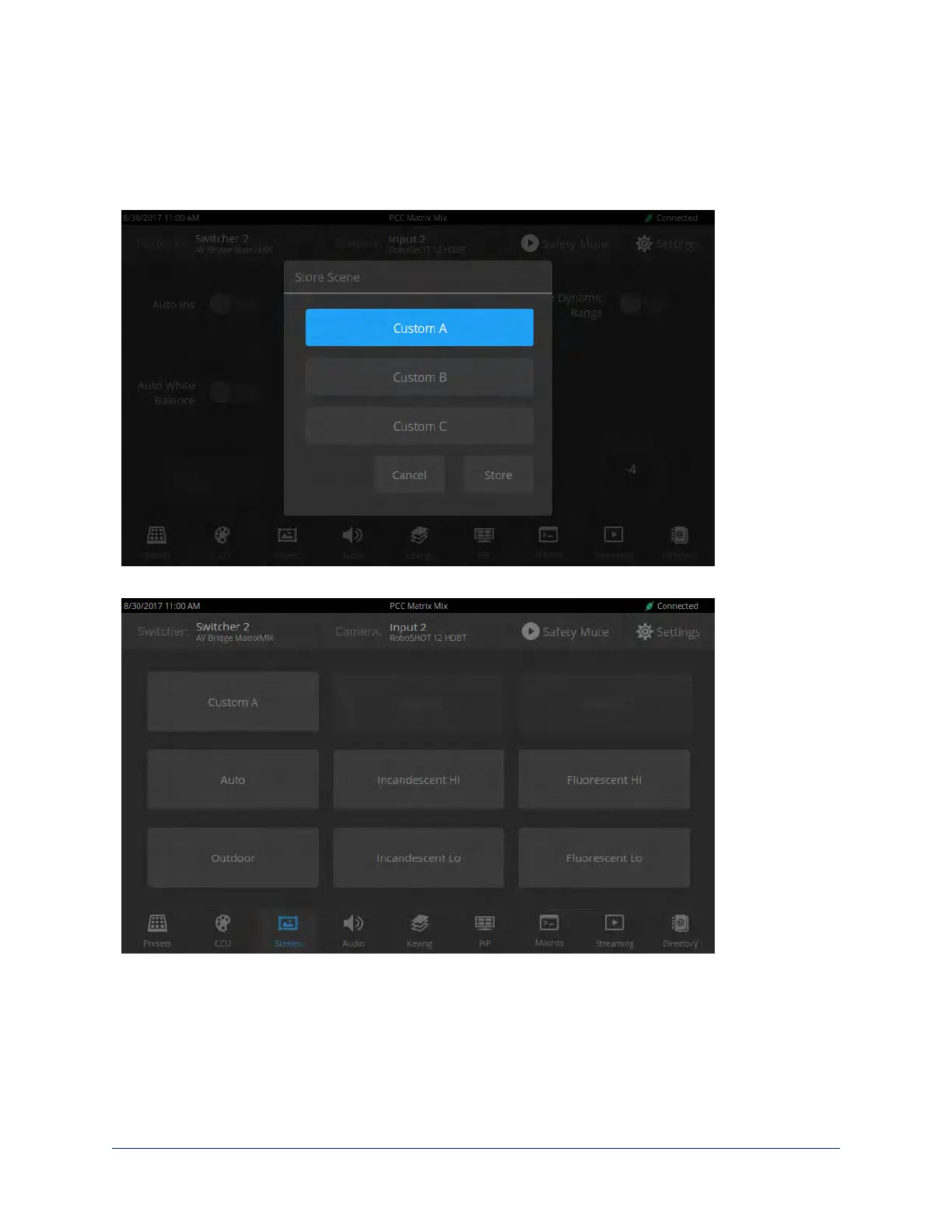
When the lighting and color look good, select Store as Scene to save the adjustments. The screen prompts
you to store the scene as Custom A, Custom B, or Custom C.
After you store the scene, it is available on the Scenes screen.
33
Integrator's Complete Guide to the PCC MatrixMIX Live Production Controller



 To Next Page