Working with Lighting and Color Settings
The camera controller gives you access to the selected camera's defined lighting and color settings
(scenes) and its lighting and color (CCU) adjustments. You don't need to access each camera's web
interface separately to adjust for consistent video.
Selecting Lighting and Color Settings
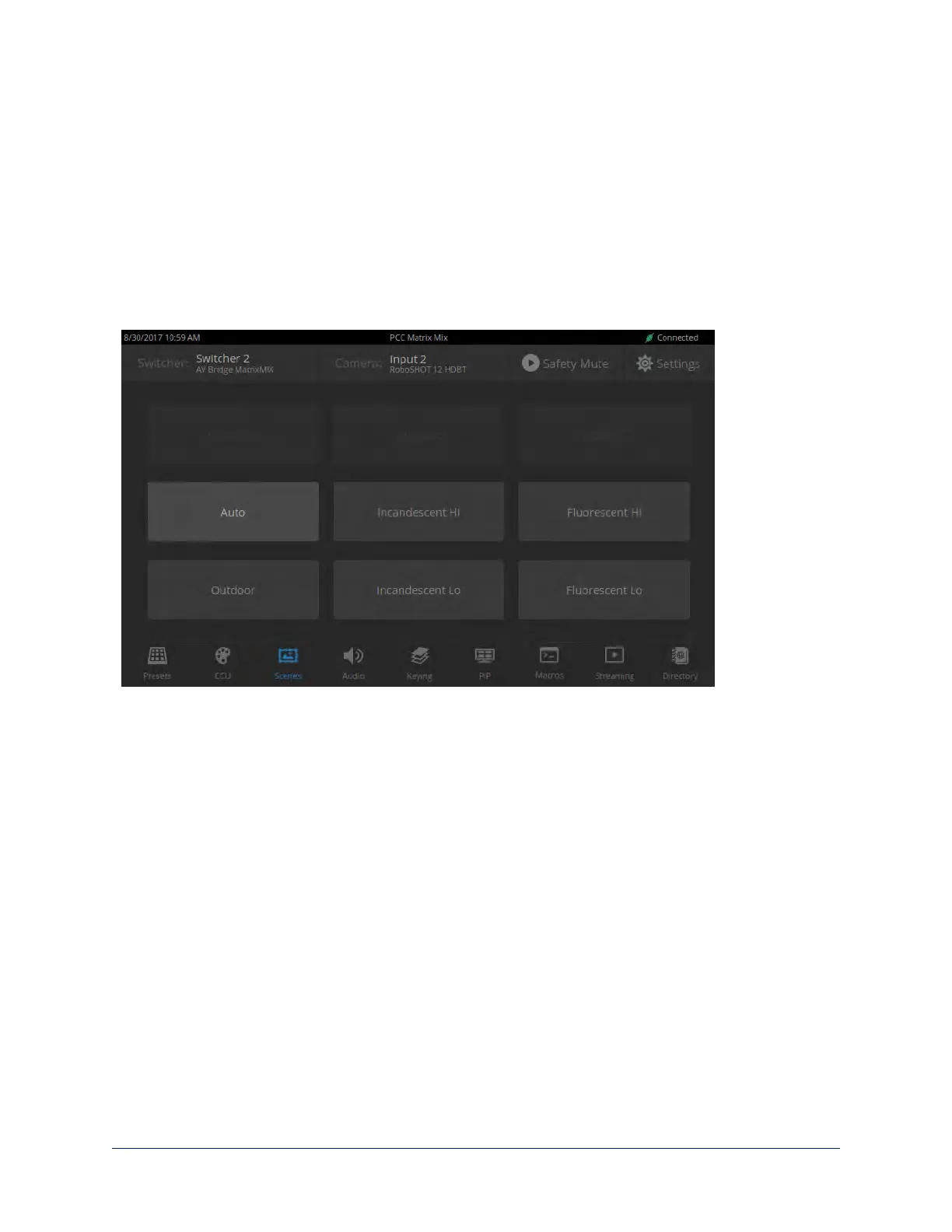
SCENES SCREEN (TOUCH-PANEL)
If the lighting or color balance doesn't look right in the video from the selected camera, go to the Scenes
screen and choose the appropriate lighting setting. These are good starting points if you are not
experienced with lighting and camera painting/shading.
If none of the available scenes produce the desired results, you can create custom settings.
30
Integrator's Complete Guide to the PCC MatrixMIX Live Production Controller



 To Next Page