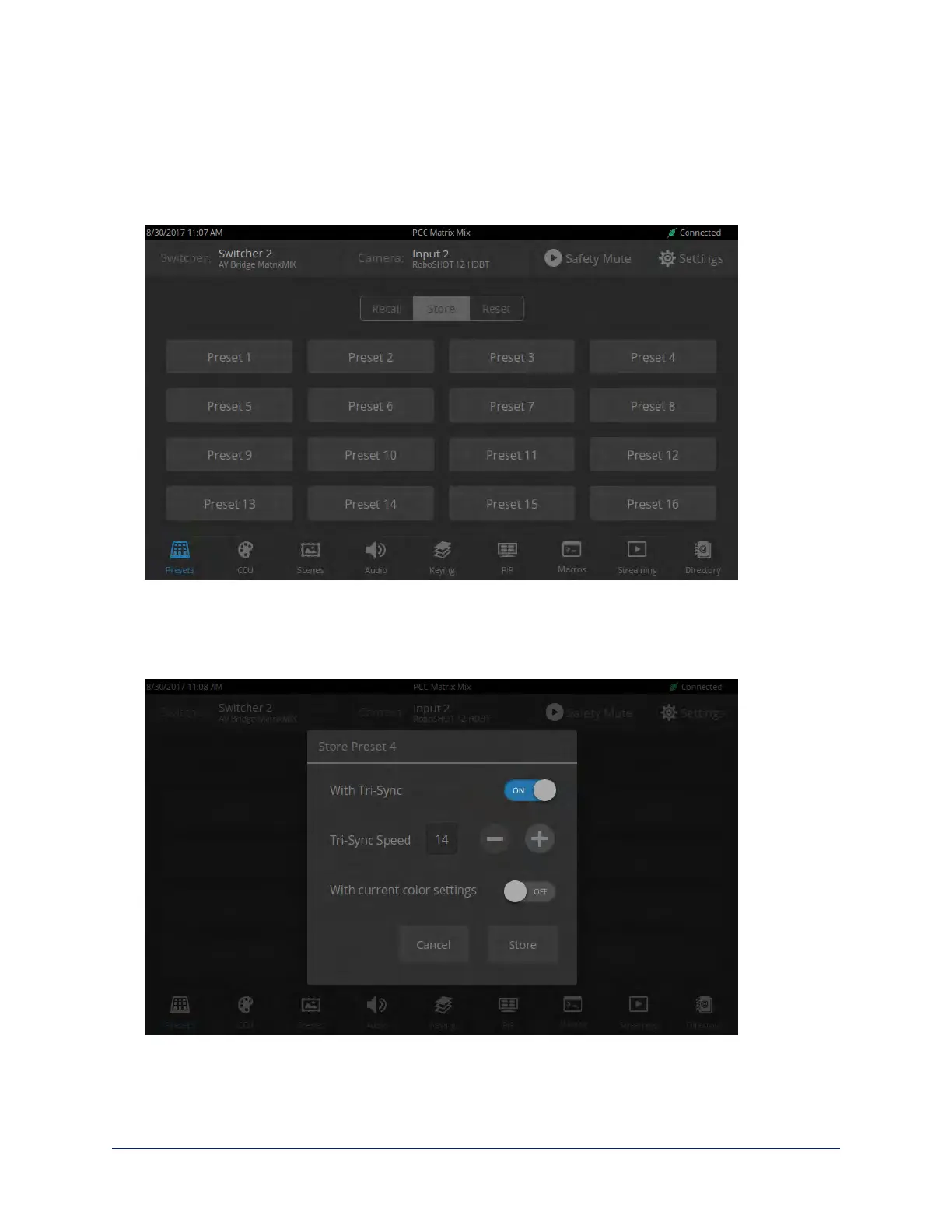
To store a new preset to the preview camera:
1. Set up the shot, including all adjustments.
2. If you are not changing an existing preset, make a note of which presets have already been stored. This
information is on the Recall tab, which opens when you navigate to the Presets screen.
3. Select Store. All presets are available.
4. Select the preset to assign. If you choose a preset that is already assigned, you will overwrite the
existing preset when you save the new one.
5. Select the preset options you want. Note that preset options depend on the camera's capabilities.
6. Select Store.
When you return to the Recall Preset screen, the new preset is available.
29
Integrator's Complete Guide to the PCC MatrixMIX Live Production Controller



 To Next Page