Performance and Behavior Settings
Performance and behavior settings for the PCC MatrixMIX live production
controller include:
n Managing the address book of switchers associated with this controller
n Specifying what happens when the controller goes into standby mode
n Specifying how the joystick behaves
Setting up the Directory
DIRECTORY PAGE (WEB)
The PCC MatrixMIX can serve as a control device for any switcher in its directory. The directory is
available to the operator on the Directory screen of the touch-panel display.
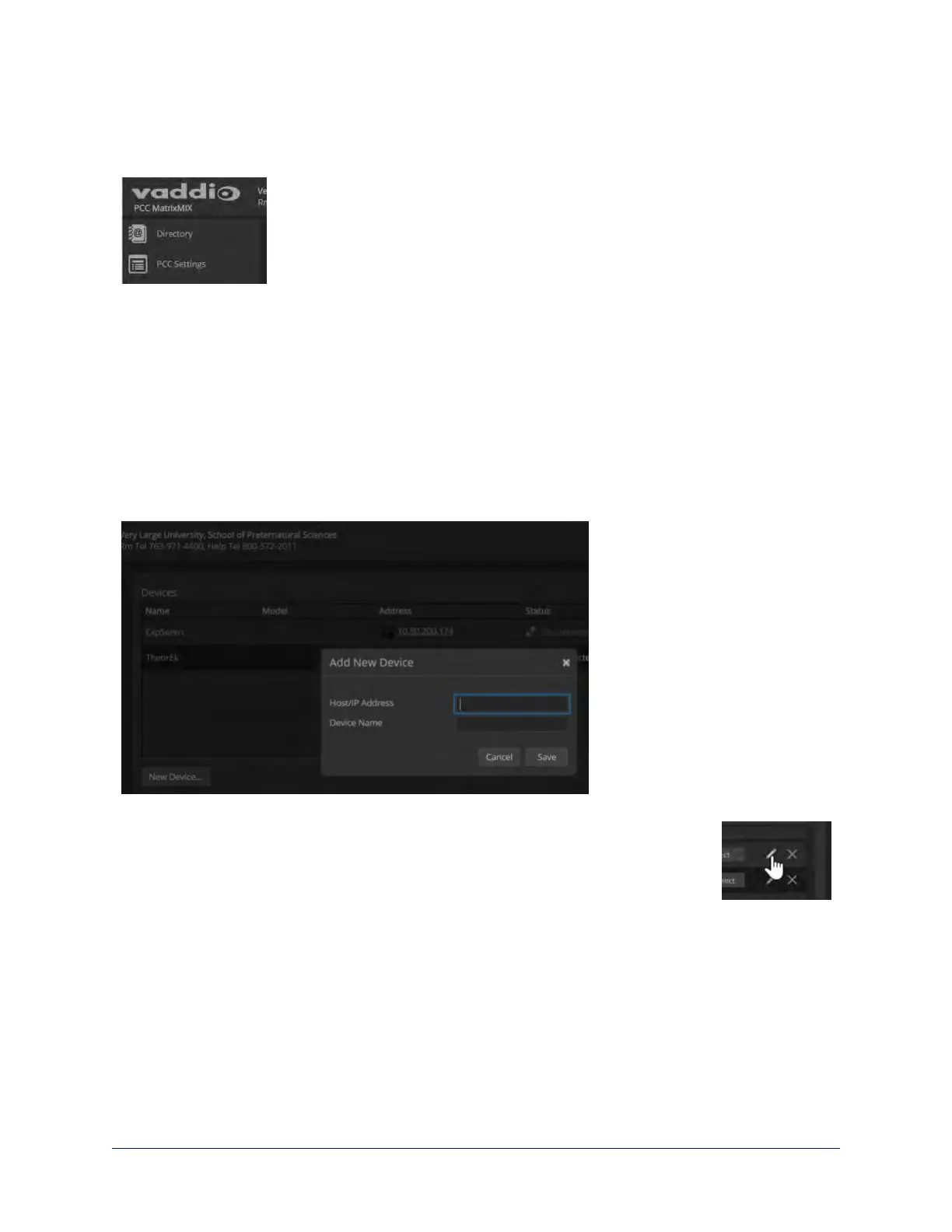
To add a switcher to the directory:
1. Select New Device
2. Enter the IP address of the switcher.
3. Optional:Assign this switcher a name in the directory. This name is only an identifying string for the
direrctory entry; it is not written to the switcher.
To change a directory entry:
Select the pencil (edit)icon for the desired address book entry to edit its IP address or
name.
Select the X icon to delete the address book entry.
19
Integrator's Complete Guide to the PCC MatrixMIX Live Production Controller



 To Next Page