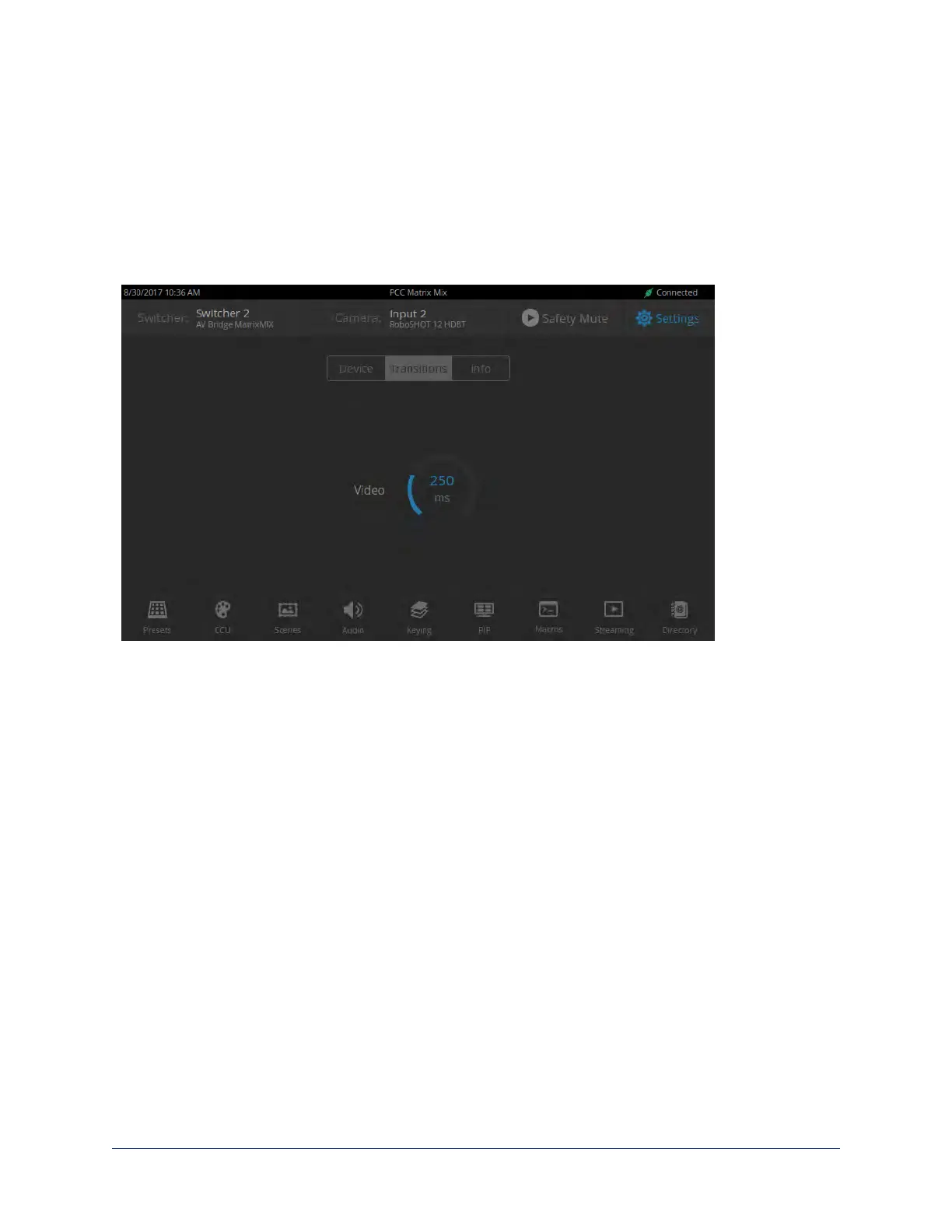
Setting Video Transition Speed
SETTINGS SCREEN, TRANSITIONS TAB
For automated video transitions (takes) using the Take button, the default transition time is 250 ms.
To view or change the transition time:
1. Select Settings and go to the Transitions tab.
2. Tap the Video arc, then turn the Menu knob to the desired value.
3. Press the Menu knob to save the new setting.
27
Integrator's Complete Guide to the PCC MatrixMIX Live Production Controller



 To Next Page