Controller Adjustments
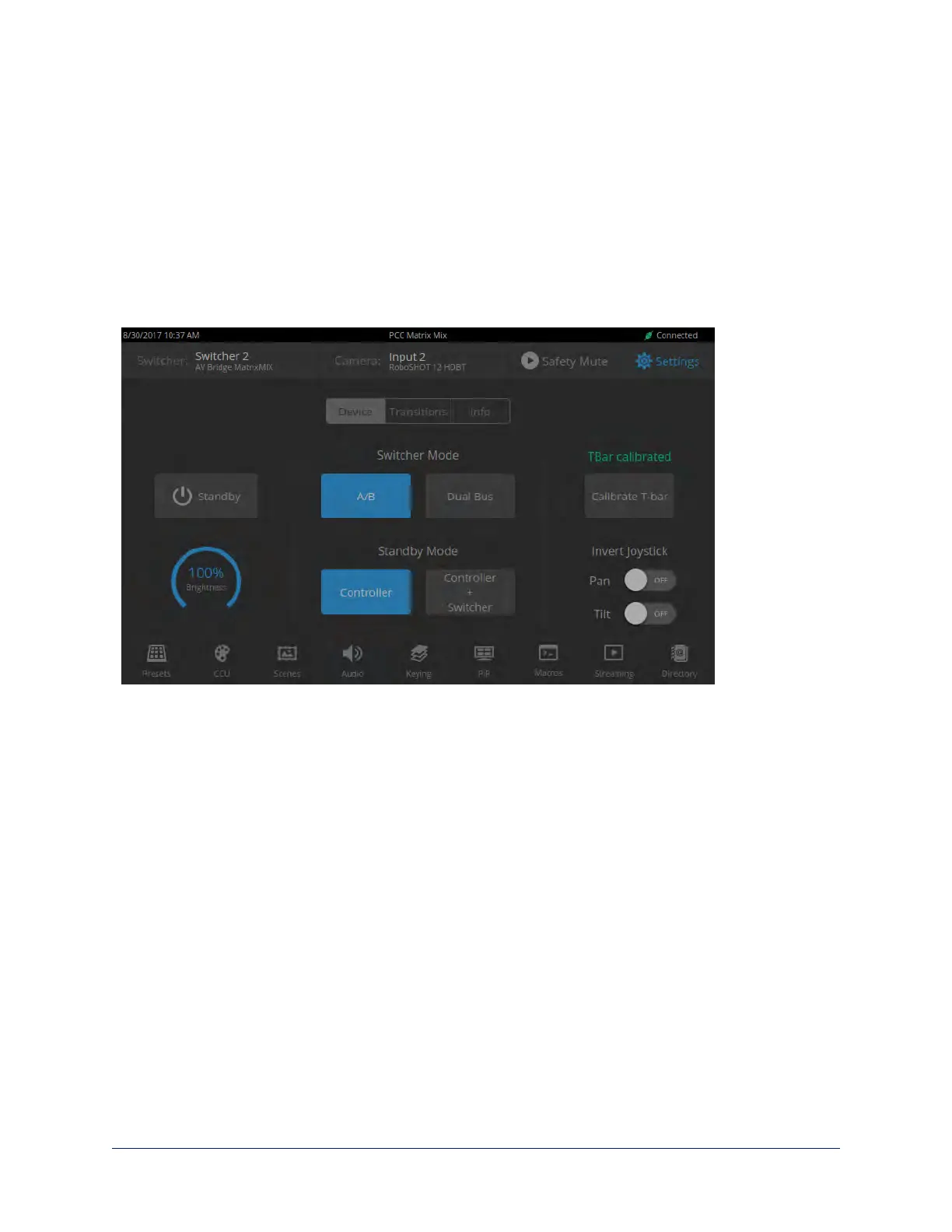
SETTINGS SCREEN, DEVICE TAB
You can adjust the PCC MatrixMIX live production controller to suit the way you work.
To adjust the touch-panel brightness:
1. Tap the Brightness arc, or dial to it using the Menu knob and then press the knob.
2. Dial the Menu knob to adjust the brightness, then press the knob to save your change.
To set joystick direction:
Use the Invert Joystick controls to make the cameras pan and tilt in the direction you prefer for a given
joystick movement.
23
Integrator's Complete Guide to the PCC MatrixMIX Live Production Controller



 To Next Page