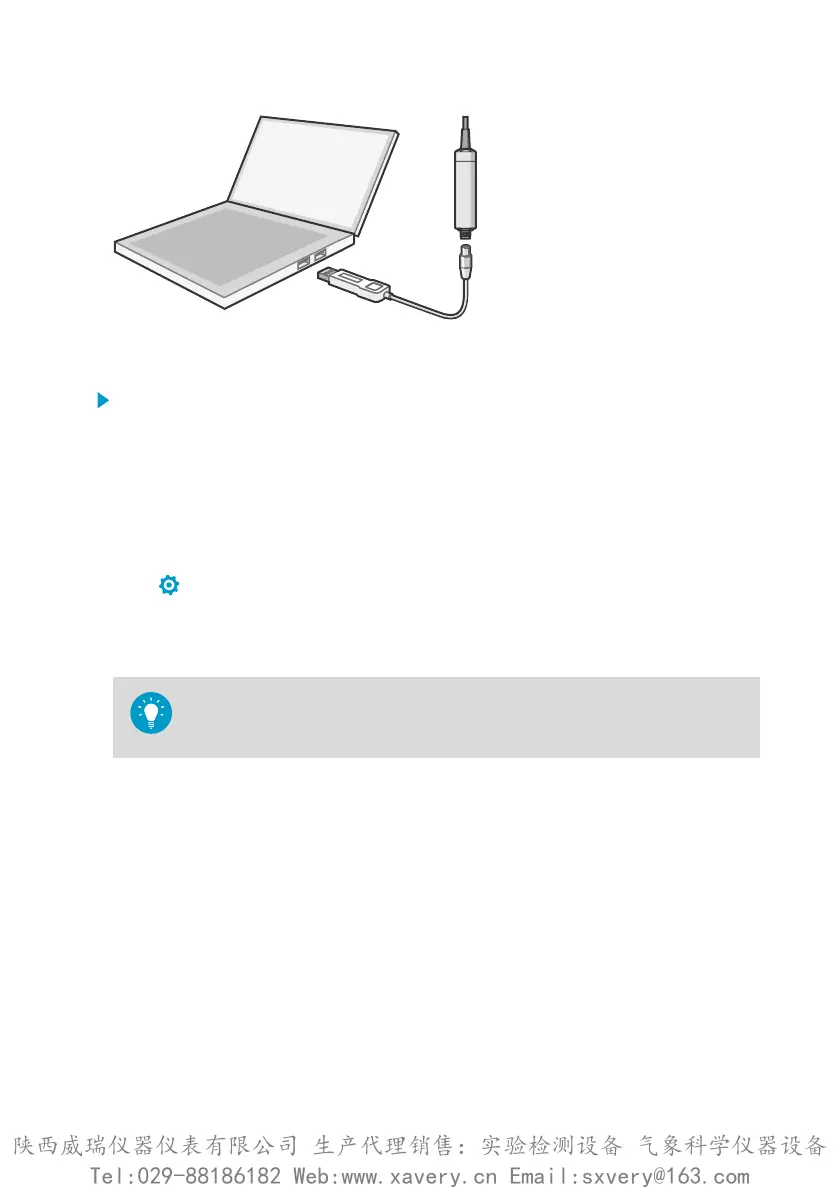
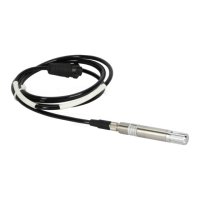
Figure 15 Connecting probe to Insight
1. Open Insight software.
2. Connect the USB cable to a free USB port on the PC or USB hub.
3. Connect the probe to the USB cable.
4. Wait for Insight software to detect the probe.
4.4
Configuration options
Select > Configure Device to access configuration options in Insight software.
Available configuration options include all of the Modbus configuration registers (see
Configuration registers (page 82)) and several additional options. Insight software is the
recommended way to change the probe configuration.
You can restore the probe back to its default settings using the Factory Default
Settings > Restore Settings function. Doing this will also clear any user
adjustment and restore the latest factory calibration.
Chapter 4 – Configuration with Insight software
29
陕西威瑞仪器仪表有限公司 生产代理销售:实验检测设备 气象科学仪器设备
Tel:029-88186182 Web:www.xavery.cn Email:sxvery@163.com







 To Next Page