VAMP Ltd Feeder and motor manager
Operation and configuration
VAMP 257
VM257.EN002 VAMP 24h support phone +358 (0)20 753 3264
17
3.3. Fault logs
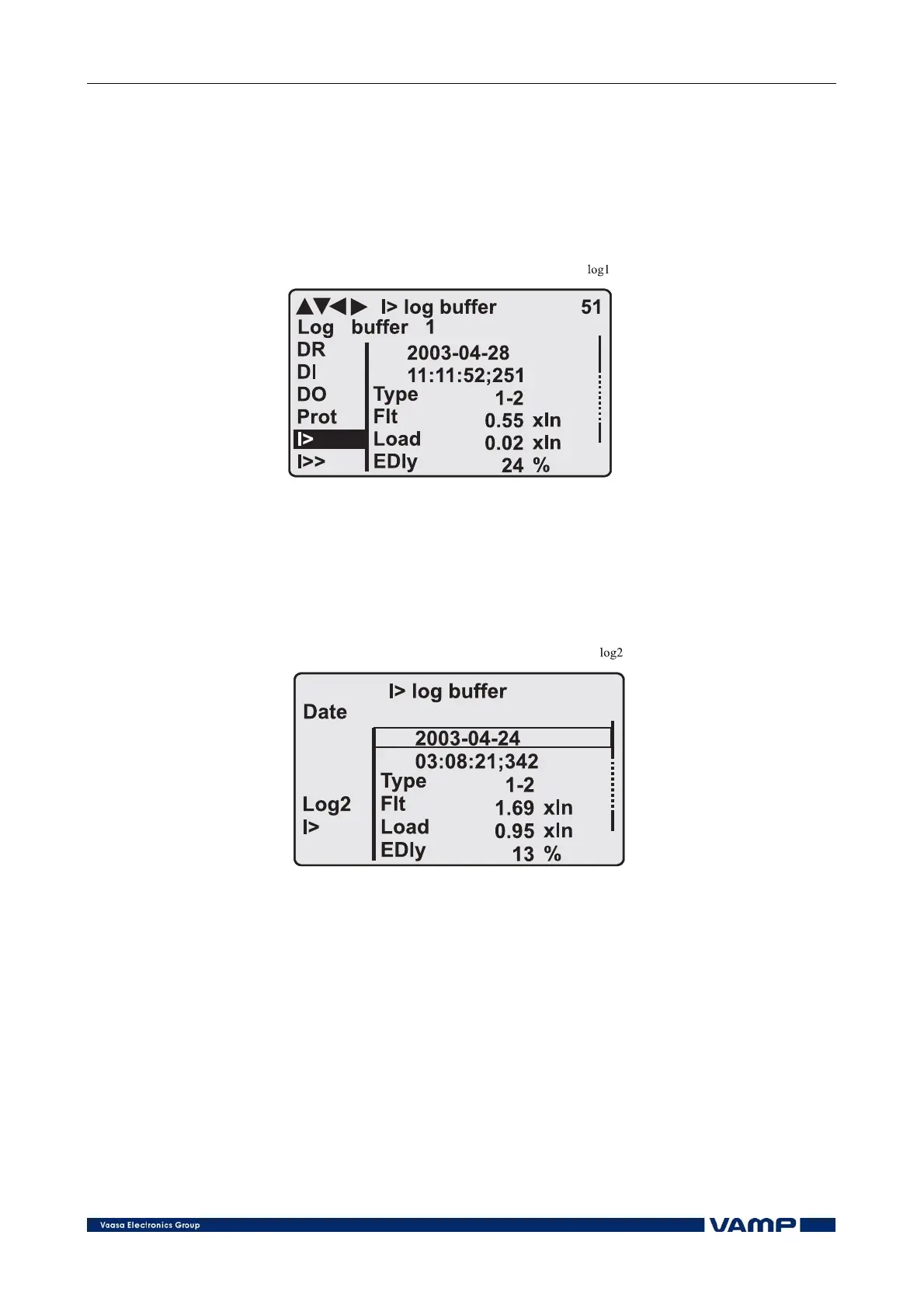
All the protection functions include fault logs. The fault log of a
function can register up to eight different faults with time
stamp information, fault values etc. Each function has its own
logs (See Figure 3.3-1).
Figure 3.3-1. Example of fault log
To see the values of, for example, log two, press the ENTER key
to select the current log (log one). The current log number is
then indicated in the down-left corner of the display (See
Figure 3.3-2, Log2 = log two). The log two is selected by
pressing the RIGHT key once.
Figure 3.3-2. Example of selected fault log



 To Next Page