VAMP 257 Feeder and motor manager
Operation and configuration
VAMP Ltd
26
VAMP 24h support phone +358 (0)20 753 3264 VM257.EN002
4.4. Reading event register
The event register can be read from the Evnt submenu:
1. Push the RIGHT key once.
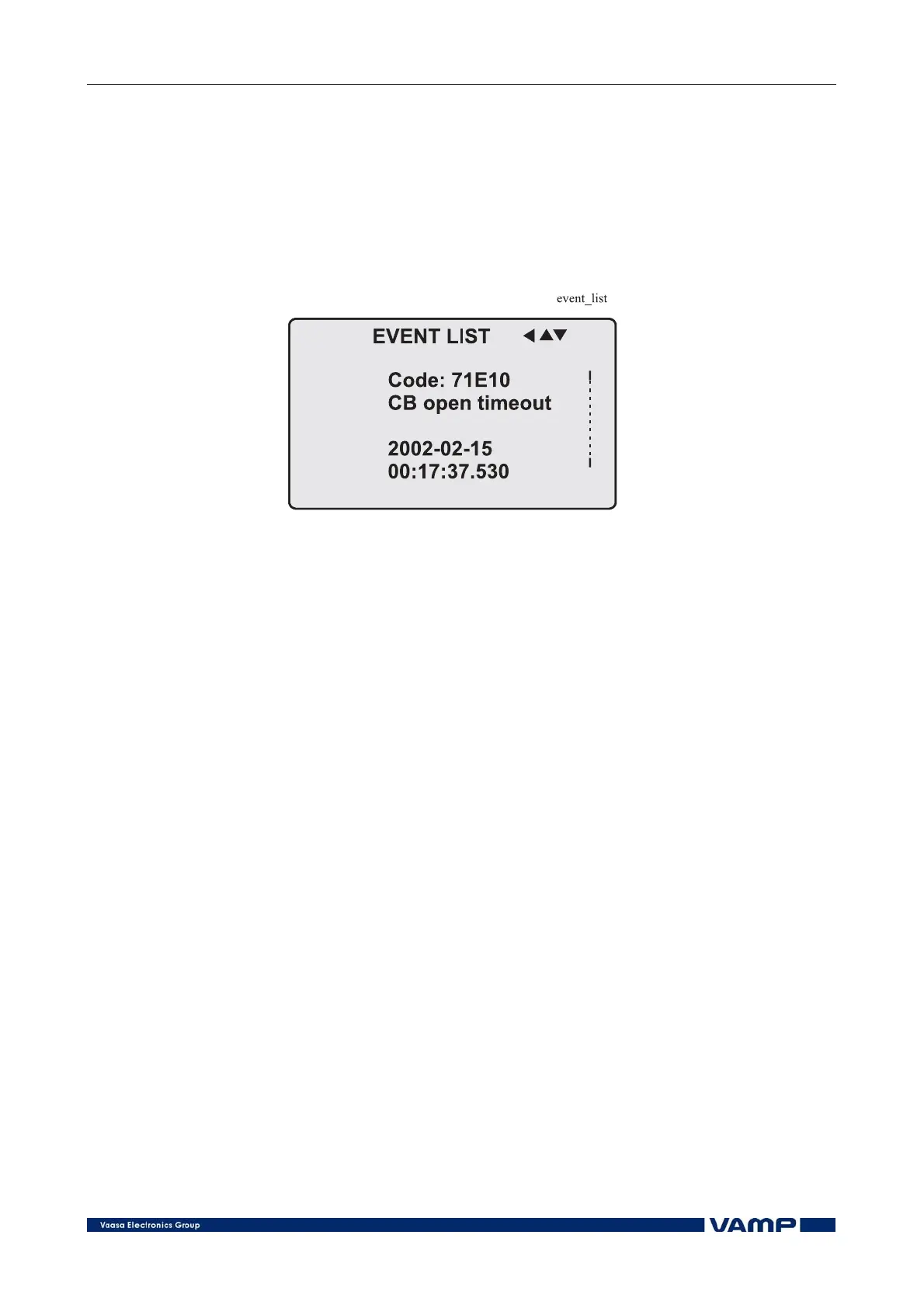
2. The EVENT LIST appears. The display contains a list of all
the events that have been configured to be included in the
event register.
Figure 4.4-1. Example of an event register
3. Scroll through the event list with the UP and DOWN keys.
4. Exit the event list by pushing the LEFT key.
It is possible to set the order in which the events are sorted. If
the “Order” -parameter is set to “New-Old”, then the first event
in the EVENT LIST is the most recent event.



 To Next Page