Pax-i3D Smart(PHT-30LFO) Installation Manual
107
8 Installing Software
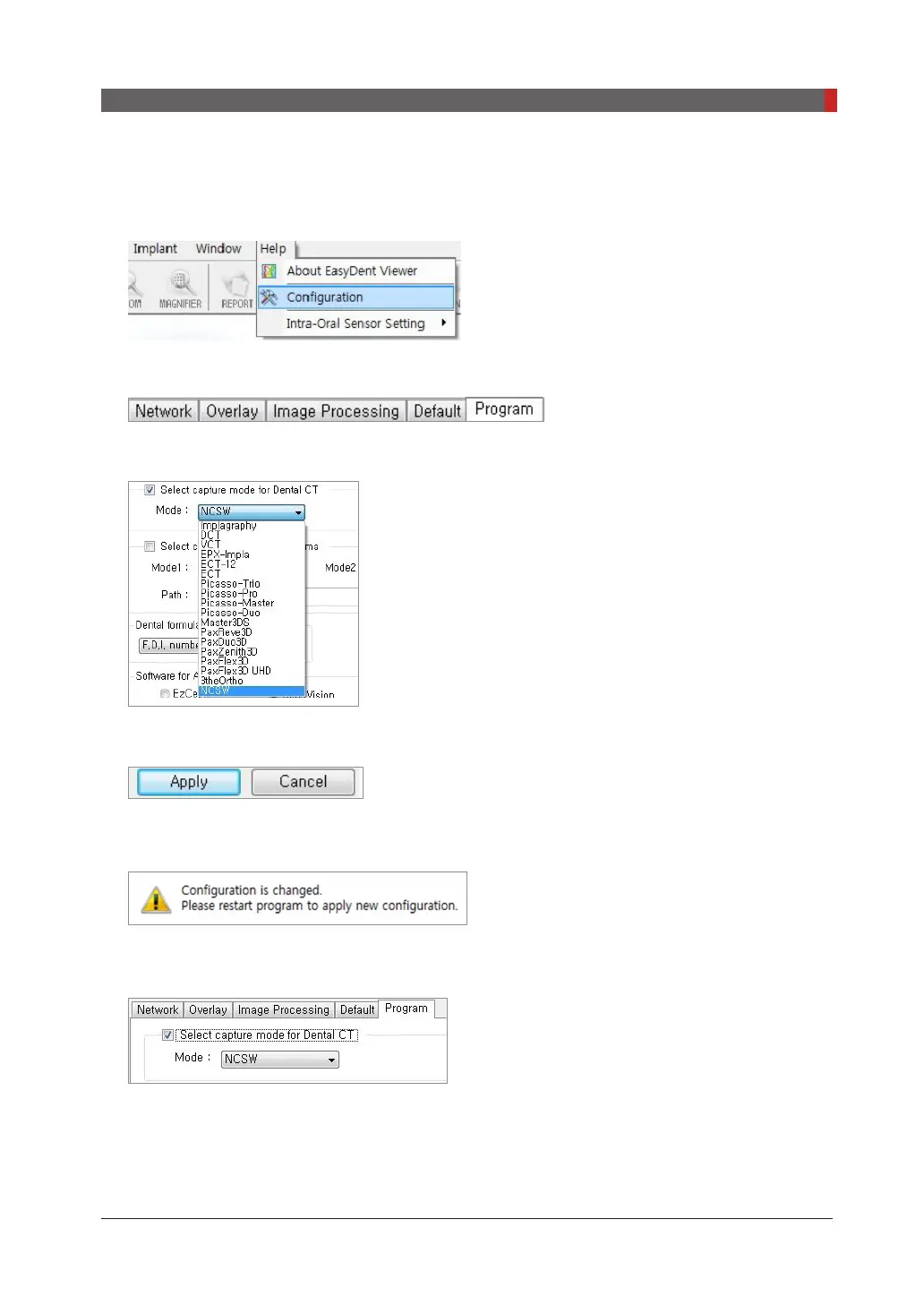
Interfacing EasyDent with imaging program(one-time linking)
1.
From the main screen of EasyDent, click the
Help
menu and select
Conguration
.
2.
Click the
Program
tab.
3.
Check ‘
Select capture mode for Dental CT’
select the
NCSW.
4.
Click
Apply
5.
When the following message appears, click
OK
to restart the program.
6.
Re-run the EasyDent program and check the change has been reected.


 To Next Page
 Loading...








