Pax-i3D Smart(PHT-30LFO) Installation Manual
106
8 Installing Software
8.5
Setting up the User-specic Information
Go to the corresponding section for set-up instructions, based on the viewer
program (EazyDent4 or EzDent- i (SDK)) installed on PC.
EasyDent4: section 8.5.1 When EasyDent4 is installed
EzDent- i : section 8.5.2 When EzDent -i is installed
8.5.1
When EasyDent4 is installed
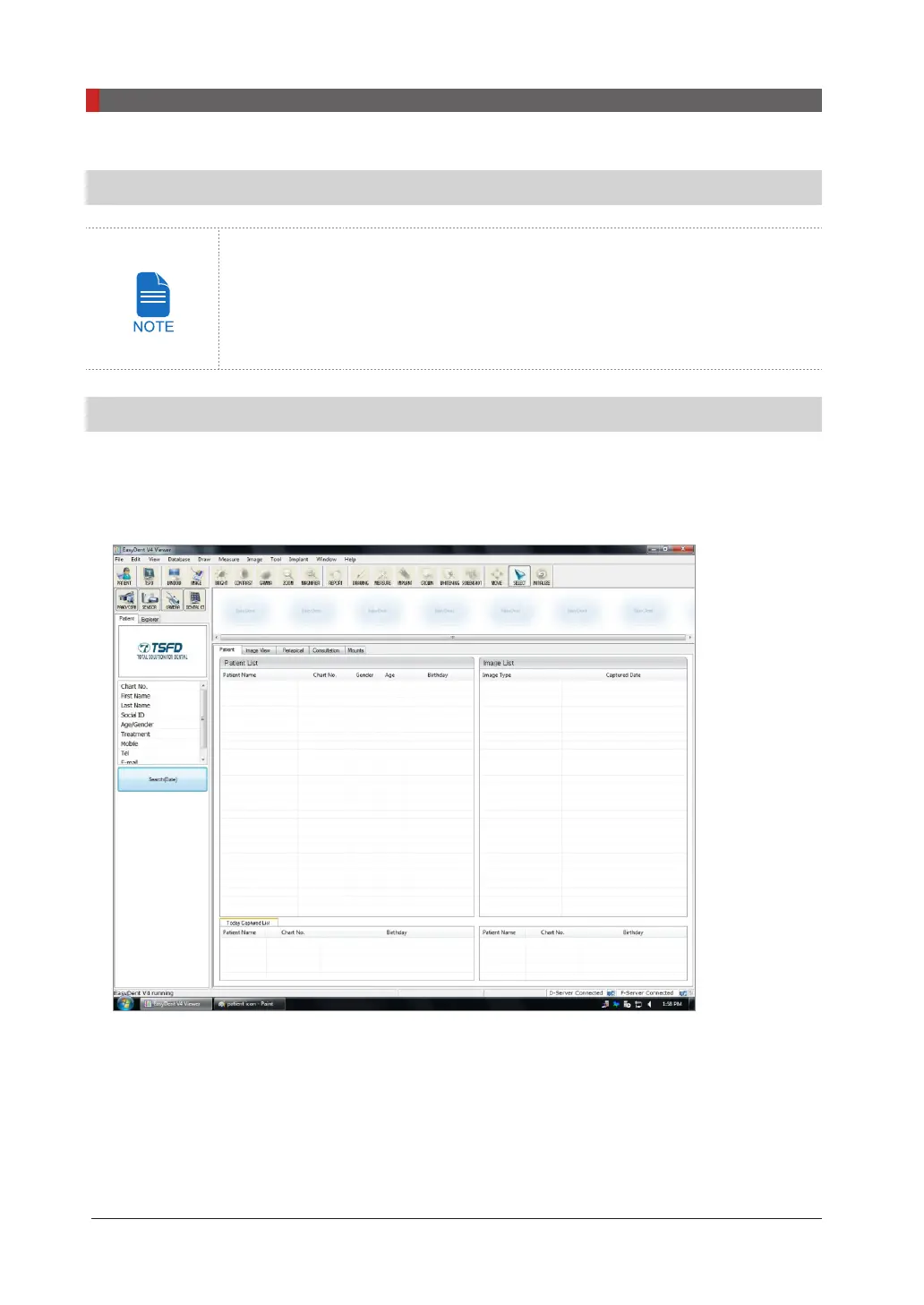
Running the image viewer
1.
Run the image viewer. On your desktop, double-click
EasyDent
or click
Start
→
All Programs
→
EasyDent
. The
EasyDent
main window will be displayed.



 To Next Page
 Loading...








