PaX-i3D Green (PHT-60CFO) User Manual
65
5 Getting Started
5.2
Running the Image Viewer
EasyDent / EzDent-i
is a basic imaging platform for all VATECH’s dental X-ray
equipments. The Imaging Program is interfaced with
EasyDent / EzDent-i.
On
your desktop, double-click
EasyDent / EzDent-i
icon. The
EasyDent / EzDent-i
main window will be displayed.
For further details on this subject, refer to the EasyDent /
EzDent-i user manual.
5.2.1 Creating a New Patient Record
To create a new patient record, follow the procedure outline below:
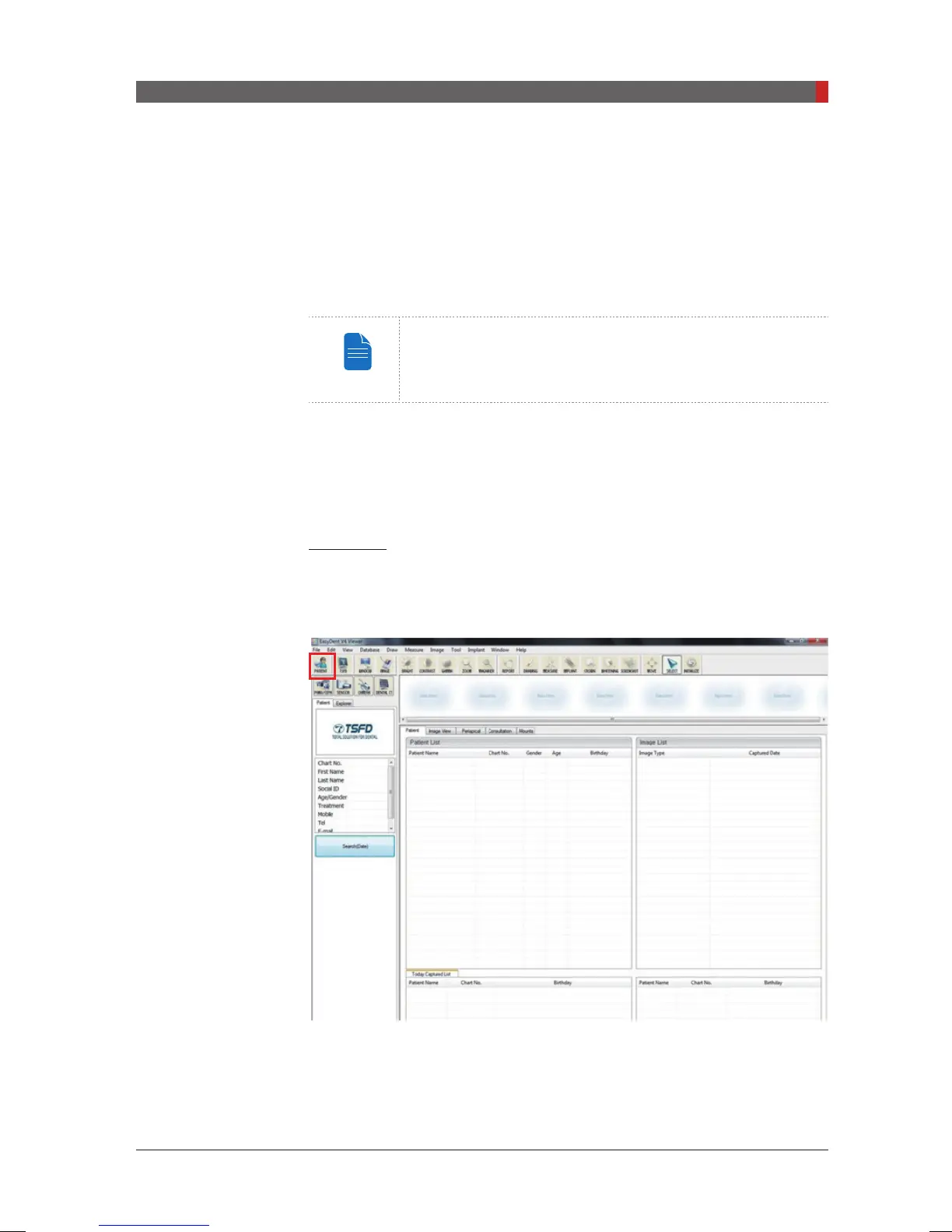
EasyDent
A. Click the
Patient
icon on the upper left corner of the EasyDent’s main GUI
window.
[PI3DG_130U_44A_en]User Guide.indd 65 2016-05-24 오후 4:18:43














 To Next Page