PaX-i3D Green (PHT-60CFO) User Manual
90
6 Acquiring PANO Images
6.3.4 Sinus
Positioning the Patient
A. Insert the Chin support into the Chinrest
receptacle on the equipment.
Disinfect the Chinrest using an
alcohol-based cleaning solution and
wipe away all residues with a dry
cloth before proceeding any further.
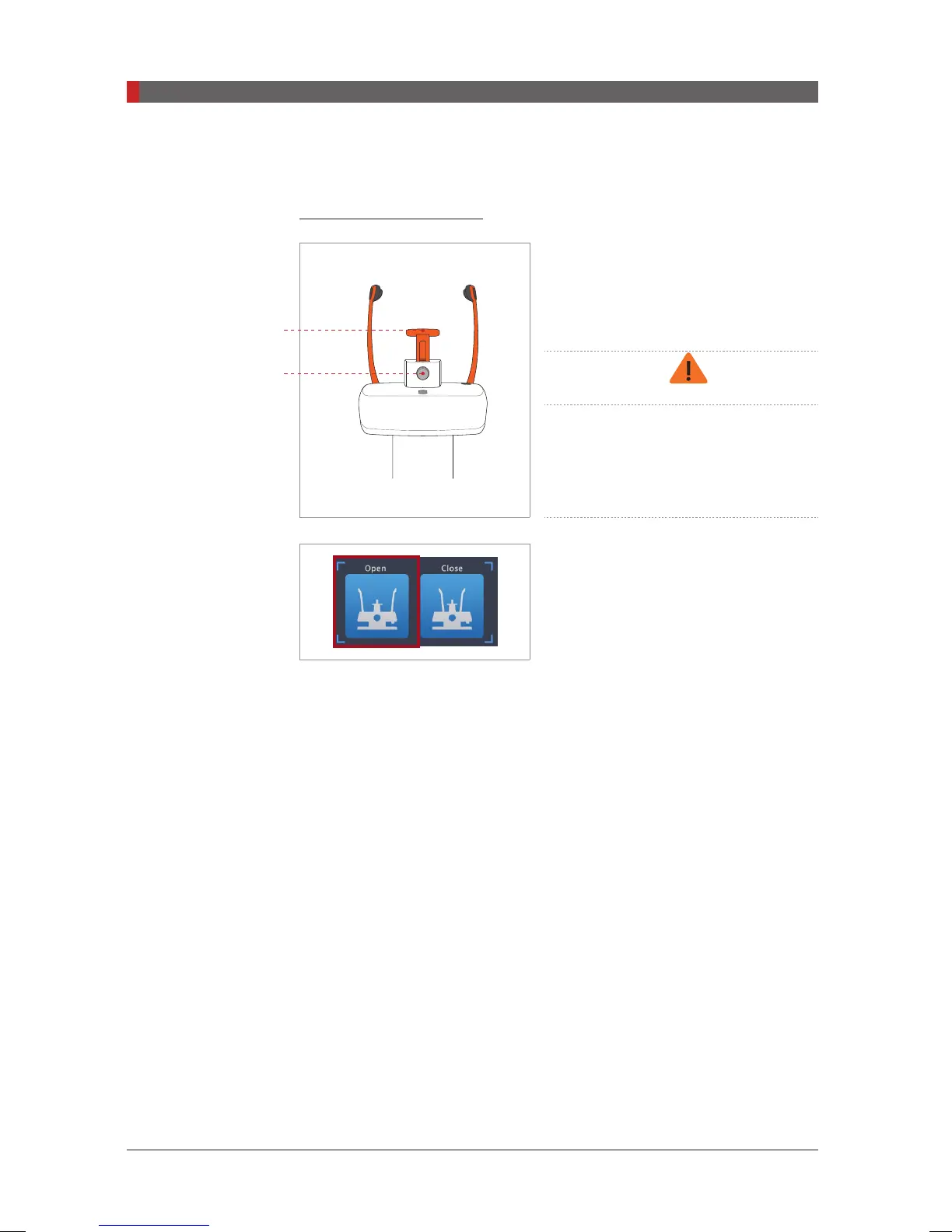
B. Open the
temple supports
by clicking
the
temple support adjustment button.
C. Guide the patient —facing the Chinrest — to the equipment. Have the
patient stand upright in the center of the equipment.
D. Adjust the height of the equipment using the column up/down button or
switch (optional) until the patient’s chin rests comfortably on the Chinrest.
E. Ask the patient to:
■
Stand upright
■
Firmly grip the handle
■
Lean his/her chest lightly against the equipment
■
Position his/her feet slightly forward.
F. Adjust the chin support so that it rests upon snugly on the chin and secure
the chin support rmly by turning the locking knob to the right.
Lock / release knob
for bite block
Chin support
[PI3DG_130U_44A_en]User Guide.indd 90 2016-05-24 오후 4:19:01














 To Next Page