17
Operations & Maintenance Manual: Setting up
PROCEdURE 2. MOUNT THE GLIdESCOPE VIdEO MONITOR (OPTIONAL)
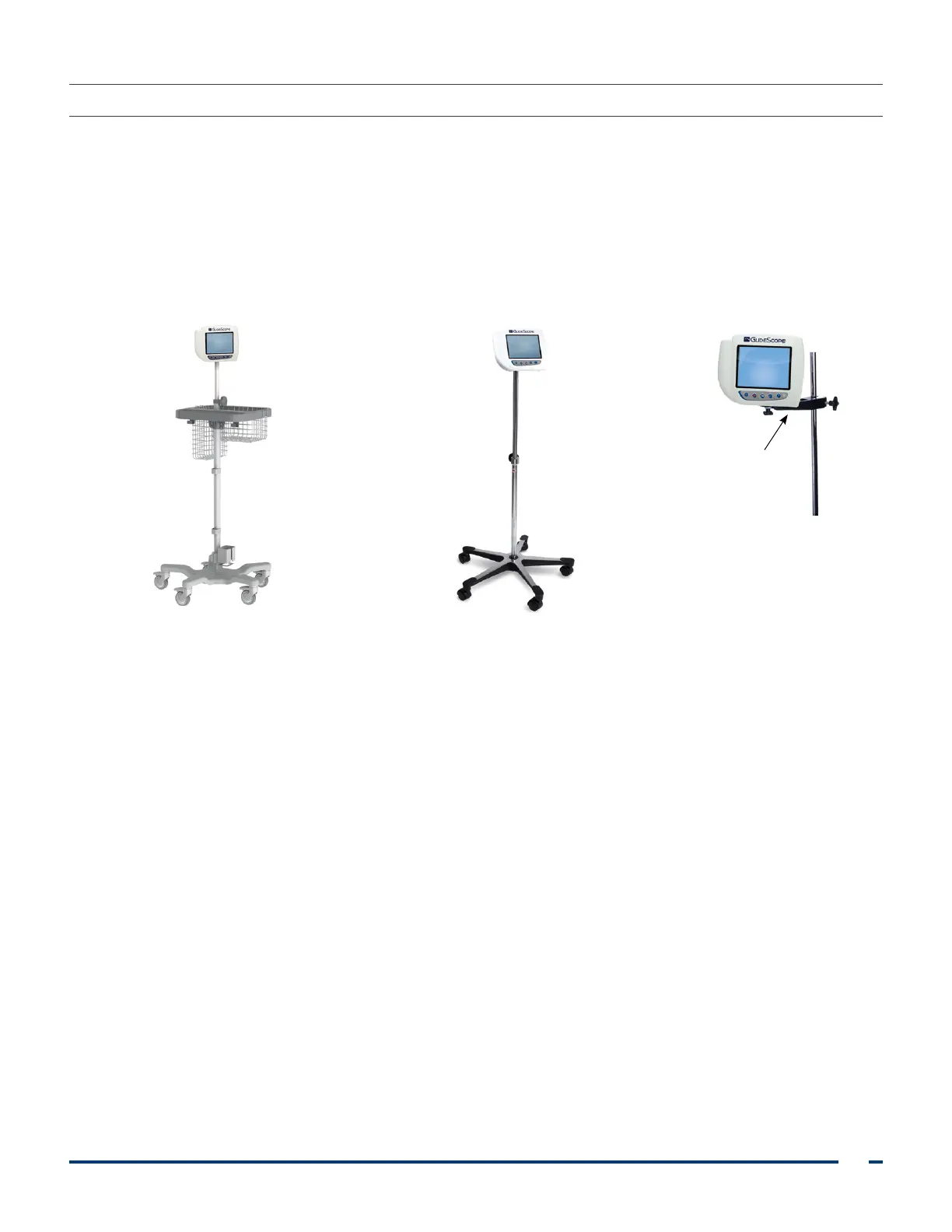
If you choose to mount the system, you may use either of the following configurations:
• Mount it on a premium cart or mobile stand (Figure 8 or Figure 9). These solutions make it easy for
you to move the system from one location to another.
• Mount it on an IV pole (Figure 10).
This procedure includes instructions for assembling the mobile stand, mounting the system on either the
mobile stand or an IV pole, and adjusting the monitor angle.
Figure 8. Premium Cart Figure 9. Mobile Stand Figure 10. IV Pole Mount
IV pole mount













 To Next Page