22
PROCEdURE 5. CONNECT THE VIdEO CABLE OR SMART CABLE TO THE MONITOR
This procedure connects the video cable or Smart Cable to the monitor, which displays the image transmitted
from the camera.
Ensure that the video monitor is turned off prior to connecting or disconnecting the video cable or Smart
Cable.
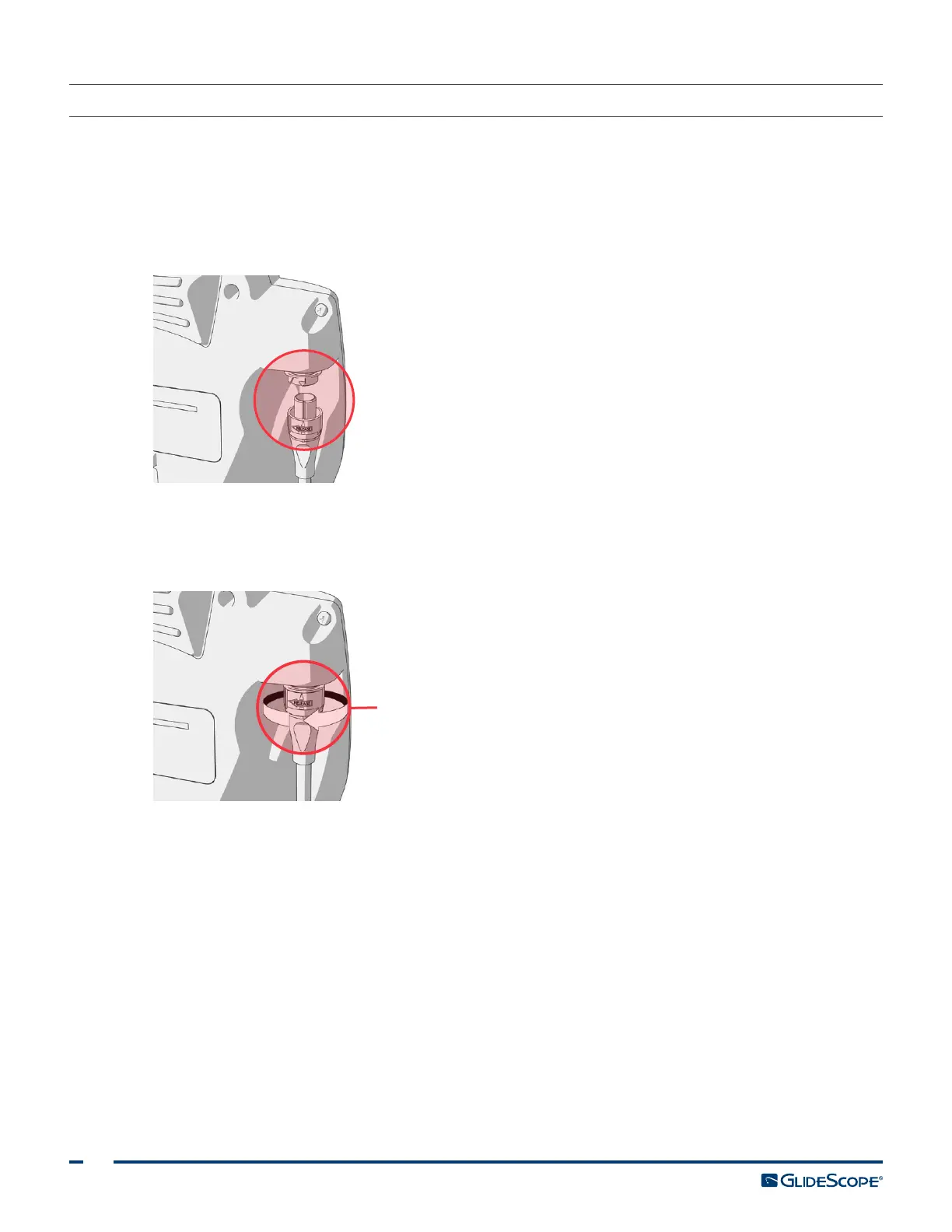
1. Align the arrow on the video cable or Smart Cable and the arrow on the video cable port.
2. Insert the cable into the port. You will hear a click when the cable is successfully connected.
Note: When disconnecting the cable from the monitor, rotate the connector ring in the direction of the
arrow.
Connector ring













 To Next Page