23
Operations & Maintenance Manual: Setting up
PROCEdURE 6. CONNECT THE SMART CABLE TO THE VIdEO BATON
(VIdEOBATON2.0ONLY)
If you want to use GlideScope Video Batons 2.0 with the GlideScope Video Monitor, you can use a Smart
Cable to connect them.
Note: Video Batons 2.0 require system software version 3.9 or later. For more information, refer to System
Software on page56.
1. After connecting the Smart Cable to the monitor as described in the section Connect the Video Cable or
Smart Cable to the Monitor on page22, grasp the other end of the Smart Cable in one hand.
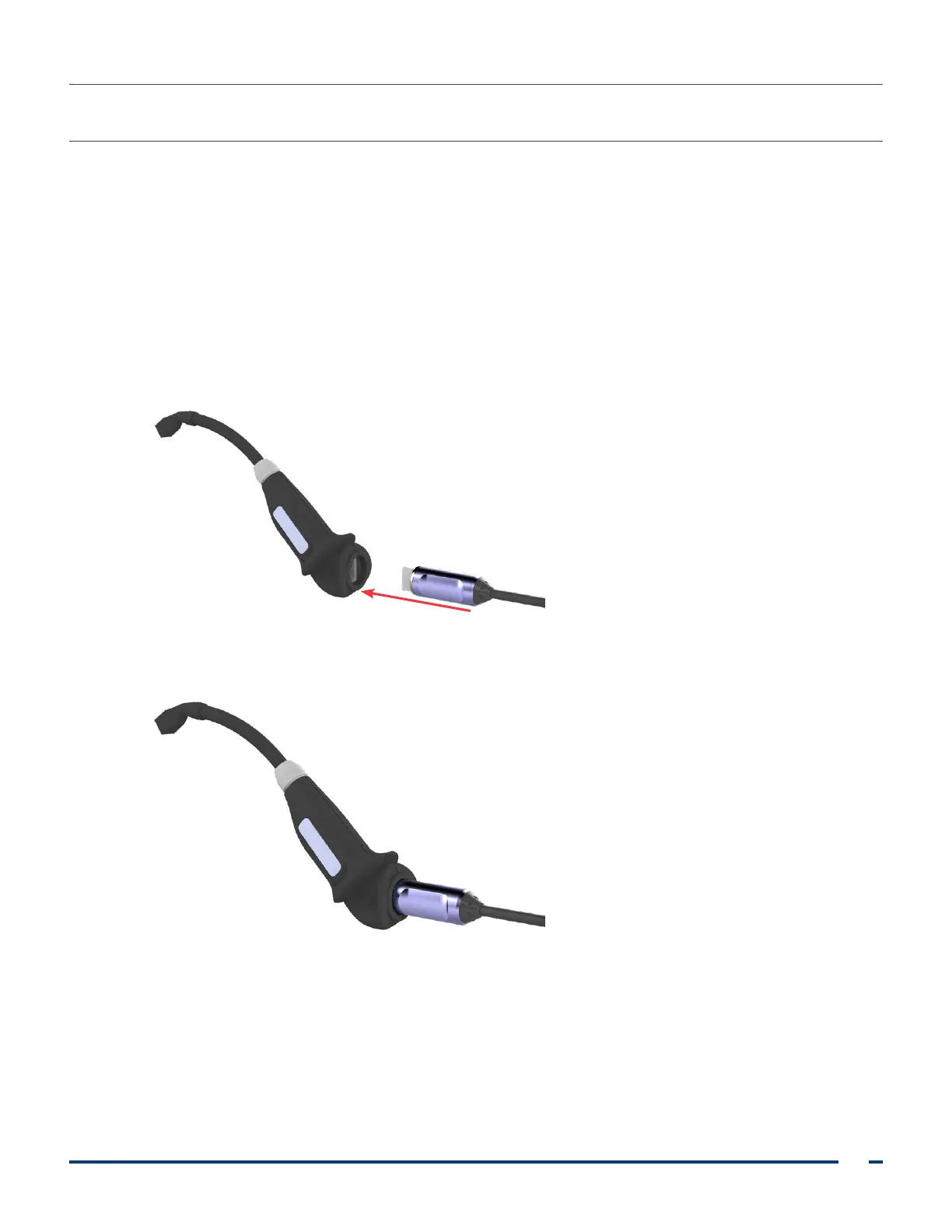
2. Holding the video baton in the other hand, align the HDMI connectors on the Smart Cable and the baton
with one another.
3. Insert the HDMI connector on the Smart Cable into the connector on the video baton.
4. Press the Smart Cable securely into place within the recess on the video baton.













 To Next Page