VX675 MERCHANT OPERATING GUIDE 31
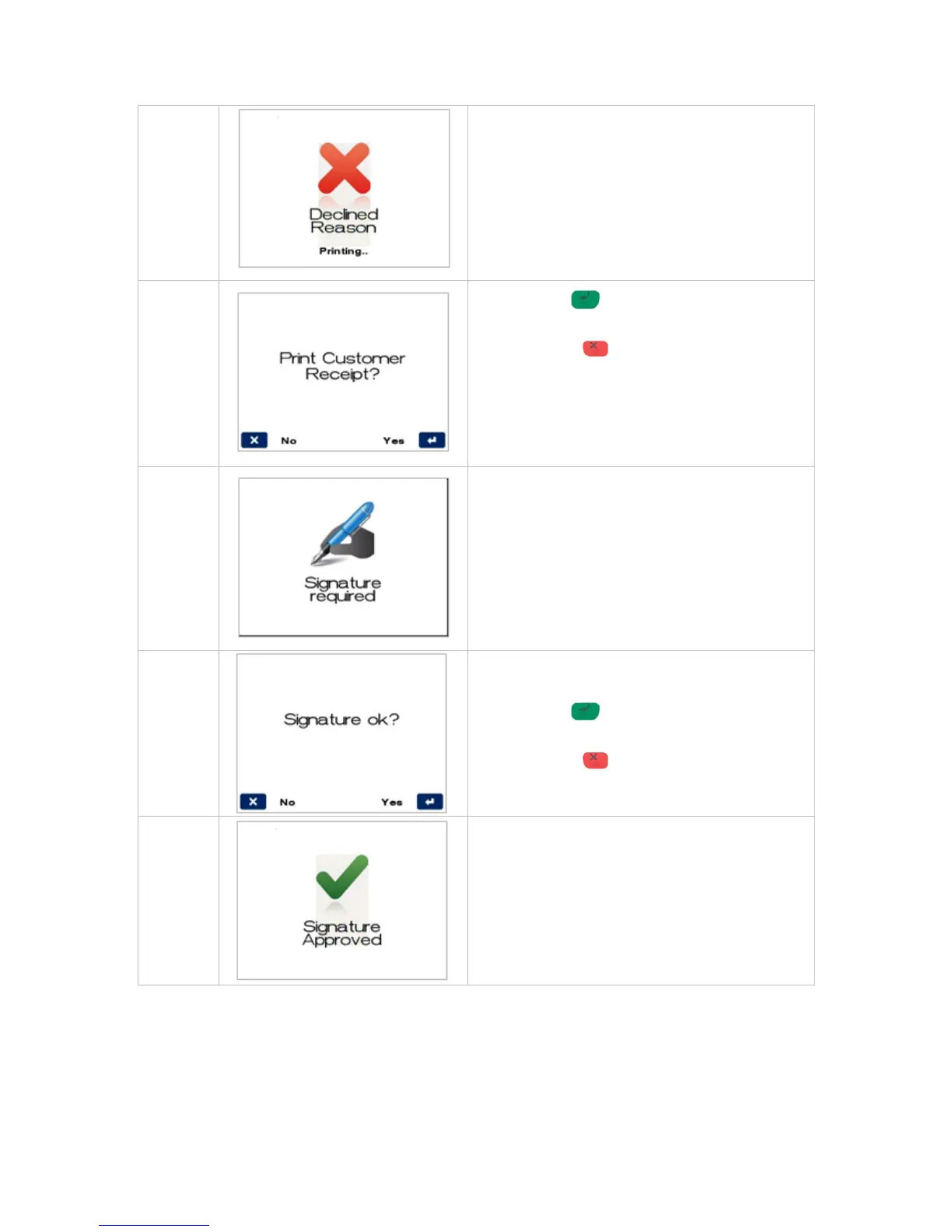
Press ENTER for YES to print a customer
copy.
Press CANCEL for NO to avoid printing a
customer copy.
If a signature is required, remove the card from the
terminal and have the customer sign the receipt.
The card type will determine if a signature is
allowed and if so the screen will be presented.
Check signature on receipt against customer’s
card, and select either option below:
Press ENTER for YES to confirm customer’s
signature is correct.
Press CANCEL for NO due to incorrect
signature.
If the signature is approved or declined the
following screens will be displayed.



 To Next Page