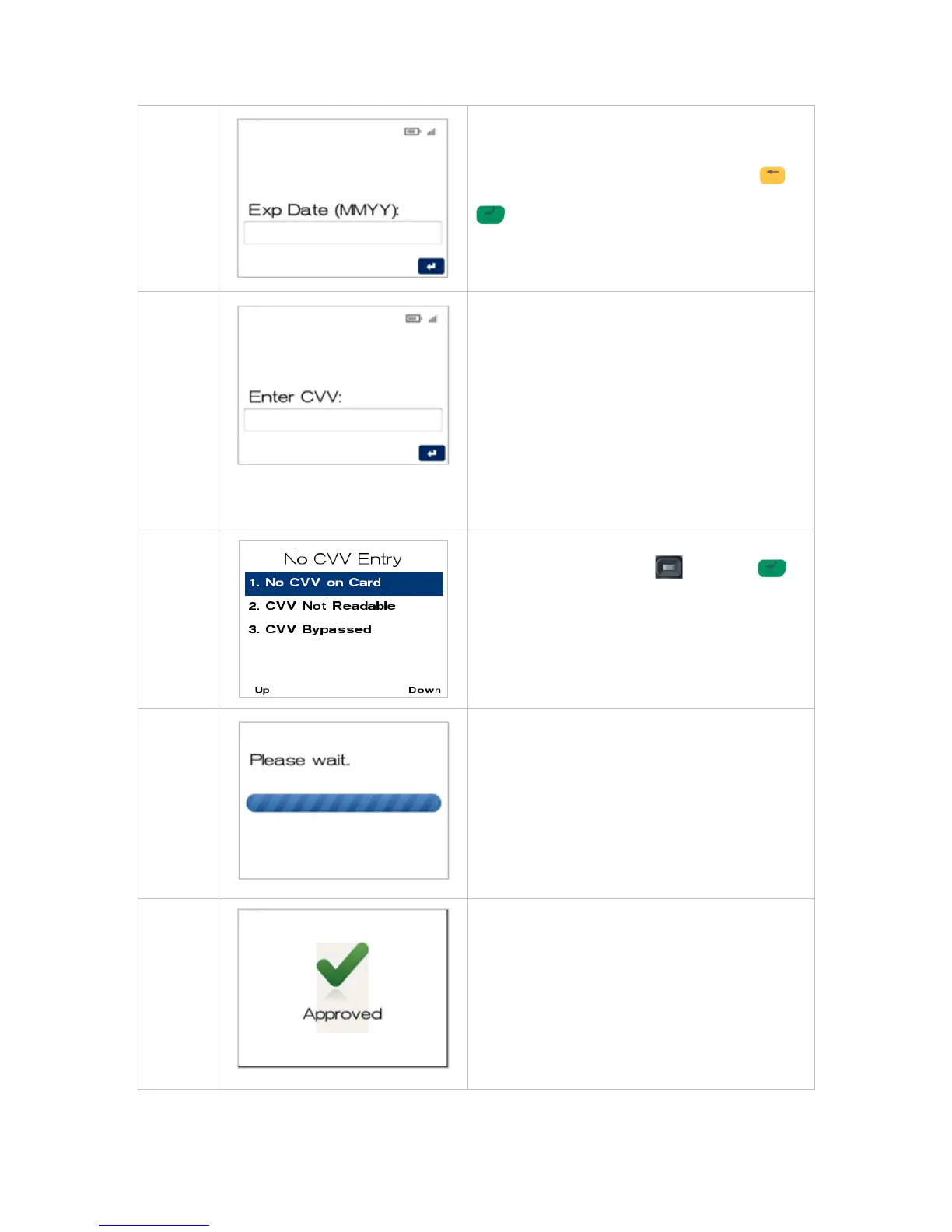
Key in the cardholder’s card expiry date in MMYY
format.
If a correction is required press the CLEAR
key, once the value is correct press the ENTER
key.
Telephone Order Only - The terminal will now
display the control number entry screen (CVV).
Enter the 3 digit CCV number located on the back
of the card near the signature strip.
Note: This 3 digit number can also be referred to
as CVV2, CVC2, or CID depending on the
scheme.
Note: For American Express cards this number is
located on front of card and is 4 digits long.
If the CVV is not present or cannot be read
proceed to step 7 by entering past this screen.
Navigate to the menu item using the scroll key
then push the select button or ENTER
or
Enter the number shown on the display screen by
using the keypad.



 To Next Page