Manual Micro Dispensing Systems MDS 3010A-FA and MDS 3020A-FA
VTK-VS-BA-002 Revision B 12
4. Adjust and First Drop
The System 3090A-FA has no switch mode functionality. The FA abbreviation stands for Fixed
Adjust.
4.1. Definition Adjust and First Drop
The adjust process is needed to get a precise calibration of the valve stroke and therefore to get a
standardization between different systems.
With this process the nozzle insert is positioned in relation to the tappet. This is essential for the
initial operation or after the change of the nozzle insert. It also may occur that the nozzle insert
moves in mounted condition. This may be caused by external influences like pushing by accident
or during the dispense process.
If the Micro Dispensing Valve is properly adjusted, the green LED lightens up on the front display.
If it is not on, the adjust process has to be executed. Otherwise the dispense result will vary.
Figure 5: First Drop LED on the front panel of the MDC (left); Green LED on the front panel of the MDC (right)
With a precise fixing of the First Drop the tappet is situated in the correct position with the nozzle
insert.
4.2. Re-adjust the system for the exchange of nozzle insert
In general every fluid box system is mounted to the valve.
That means it is already adjusted and mounted together with the nozzle insert and the control
unit.
It is possible to change the nozzle insert and re-adjust the system.
Before changing the nozzle insert it is recommended to clean the solvent and dispense areas.
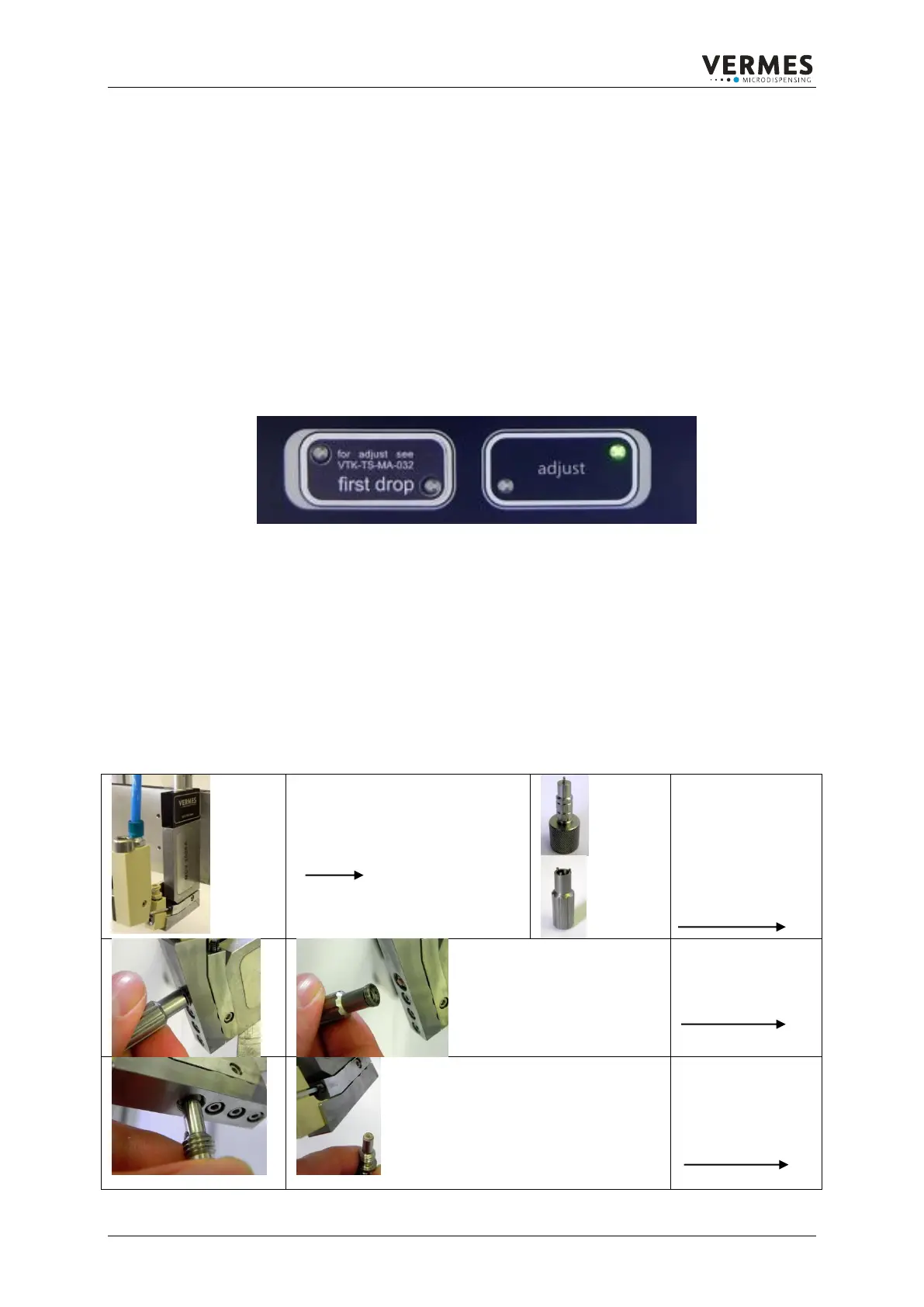
The following description explains the change of the nozzle insert step by step.
Before starting please note that
the fluid box system has to be
dry and clean.
To remove the
nozzle insert it is
recommend to use:
MDT 301 universal
tool and
MDT 303 nozzle
changing tool
Unscrew the
nozzle unit.
Use the MDT 303.
To remove the
nozzle insert use
the backside of the
pin tool MDT 301.



 To Next Page