Vertiv | Liebert® CRV4 | User Manual 56
Micro-Controller (Color Screen)
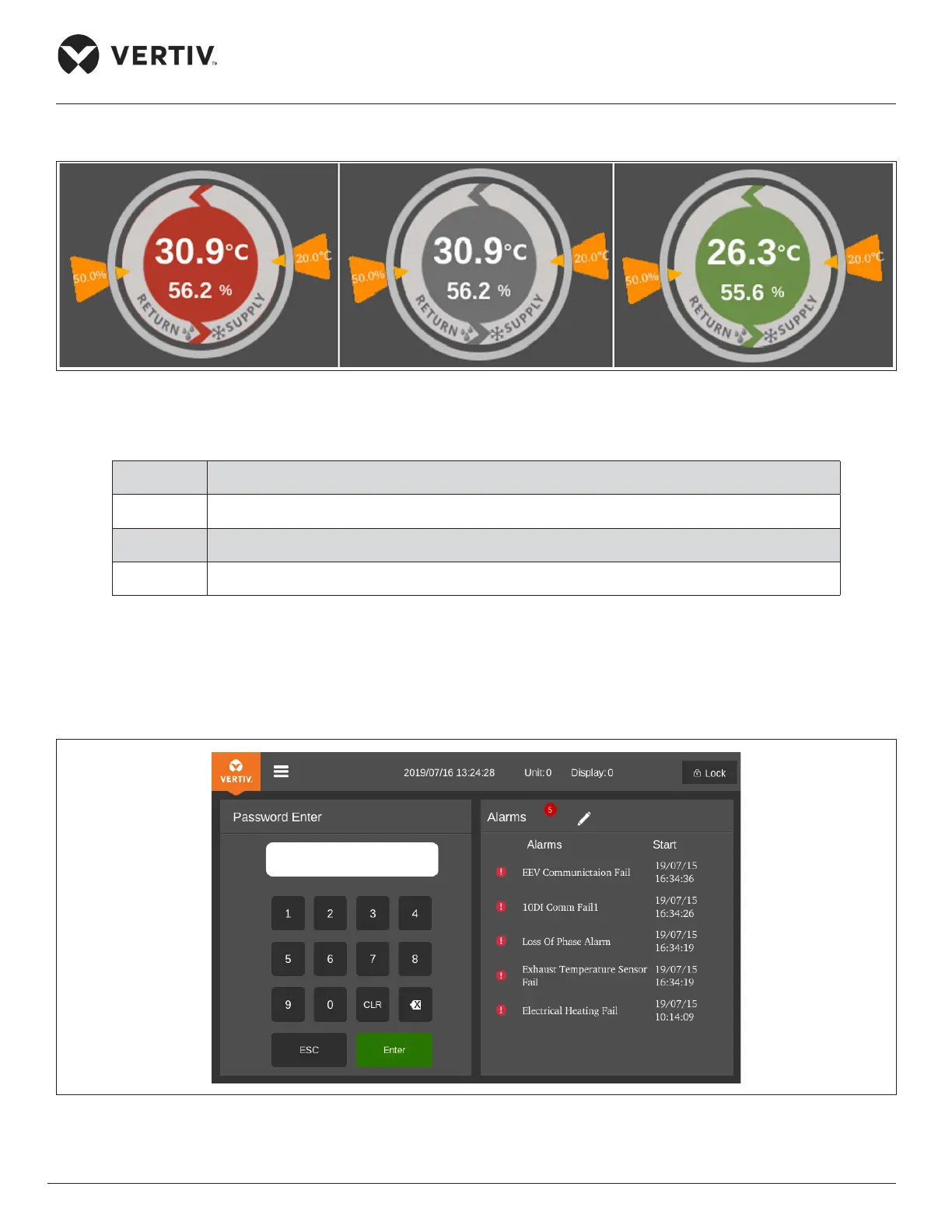
There are three types of main interface unit status colors, as shown in Figure 6-4 below:
Figure 6-4 Unit Status Color
Table 6-4 Unit Status Color Description
Status System Status Description
Red Power-On, sensor data is not in the normal range or is invalid
Gray O state
Green Power-On, status is within the normal range
6.3.3. Password Interface
Press on the unlock icon in the upper right corner of the display, the password interface is displayed, as shown
in Figure 6-5.
Figure 6-5 Password Interface








 To Next Page