Vertiv | Liebert® CRV4 | User Manual 73
Micro-Controller (Text-screen)
7.5. Control Screen
7.5.1. Startup Screen
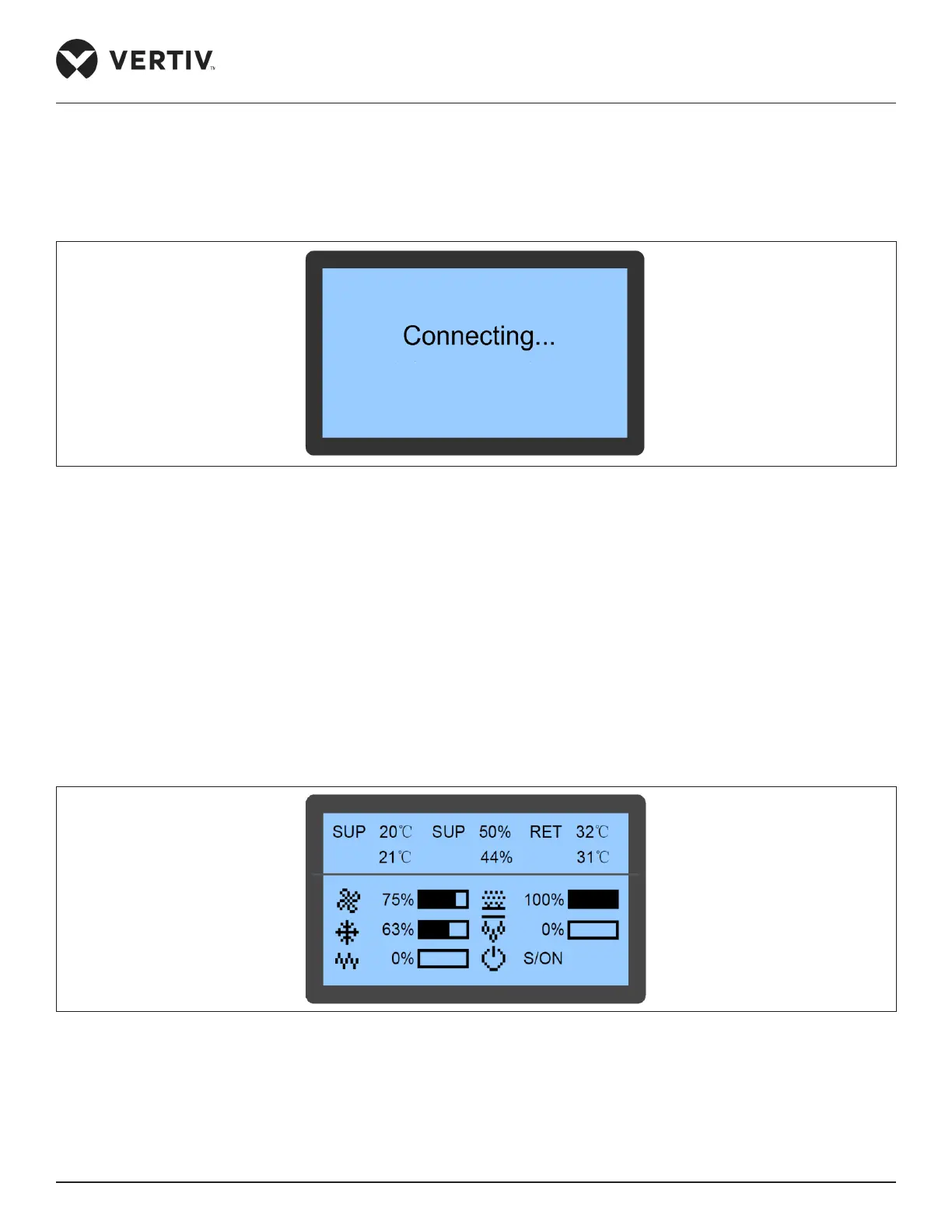
After the system is powered On, the LCD will display the Startup screen as shown in Figure 7-4.
Figure 7-4 Startup Screen
7.5.2. Main Screen
After the unit is powered On, the main page screen is displayed after 10 seconds of the startup as shown in
Figure 7-5. It displays the current air supply temperature in the rst queue, humidity in the second queue, and
air return temperature in the third queue. When the compressor mode or fan mode is set to Remote, the queue
displays the remote temperature. In the lower part of the screen, it displays the unit output status (fan, cooling,
heating, dehumidifying, and humidifying) and unit operation status (o, running, standby, and locked).
• Icons
The icons on the main screen indicate the unit output status, unit properties, and unit operating status. The
icons and their denitions are described in Table 7-2.
Figure 7-5 Main Screen








 To Next Page