Vertiv | Liebert® CRV4 | User Manual 71
Micro-Controller (Text-screen)
7.4. Control Buttons
7.4.1. Function Description
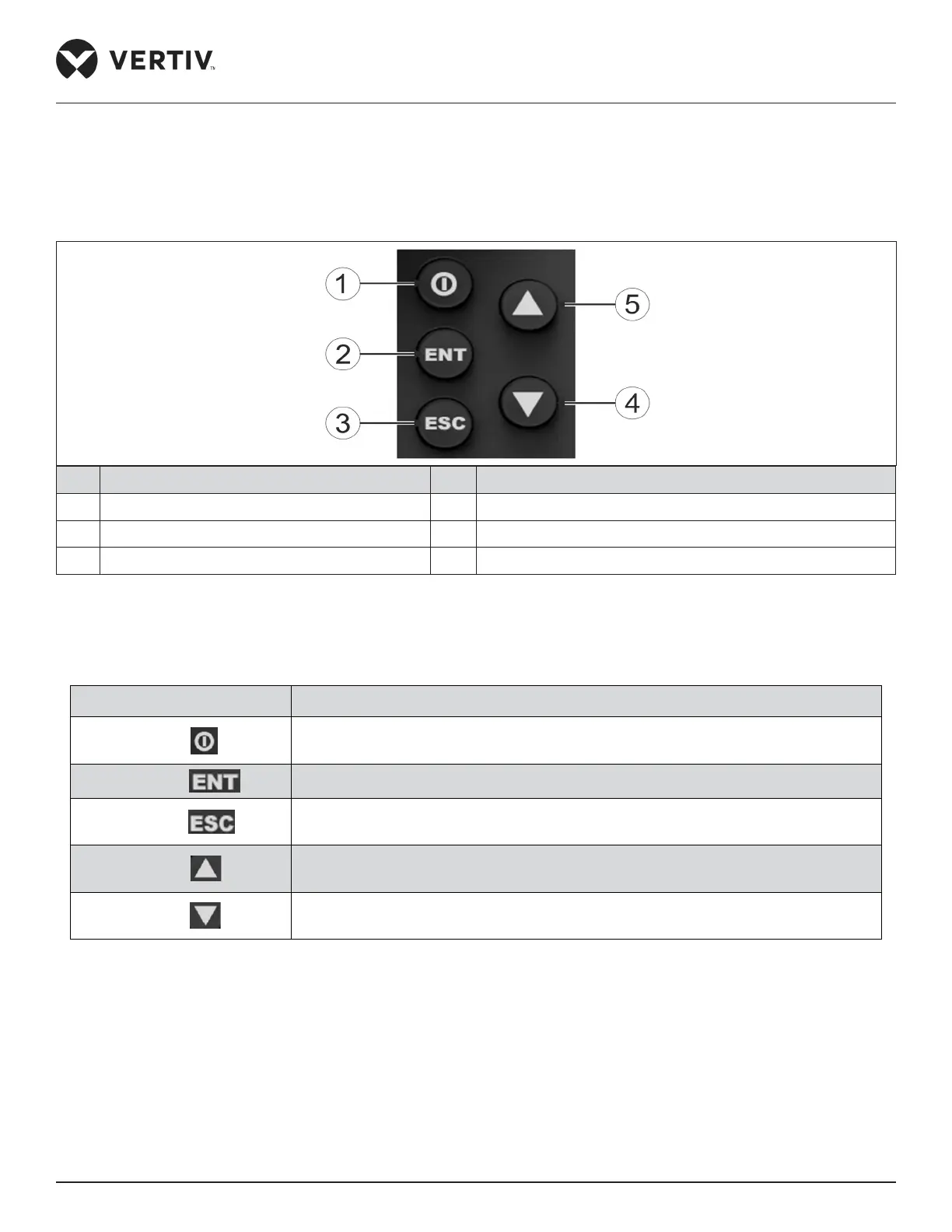
The micro-controller provides ve control buttons as shown in Figure 7-3.
No. Description No. Description
1 On/O button 4 Down button
2 Enter button 5 Up bottom
3 ESC button
Figure 7-3 Control Buttons Description
Table 7-1 describes the detailed functions of the control buttons.
Table 7-1 Function Description of Control Buttons
Button Function description
On/ O
Switch On/ O the controller by pressing for 3seconds.
Enter button
Enter the selected menu screen. Validate the parameter setting value.
Escape button
Exit the current menu and return to the normal screen or previous menu screen.
Abort parameter change; silence the audible alarm.
Up button
Move the cursor up or increase the parameter value. For a toggle selection: scroll
through the options. For a multi-screen menu: scroll up the screen.
Down button
Move the cursor down or decrease the parameter value. For a toggle selection: scroll
through the options. For a multi-screen menu: scroll down the screen.








 To Next Page