Vertiv | SmartAisle2 | User Manual 121
Operation & Display Panel
3.5.4. Wen Field Page
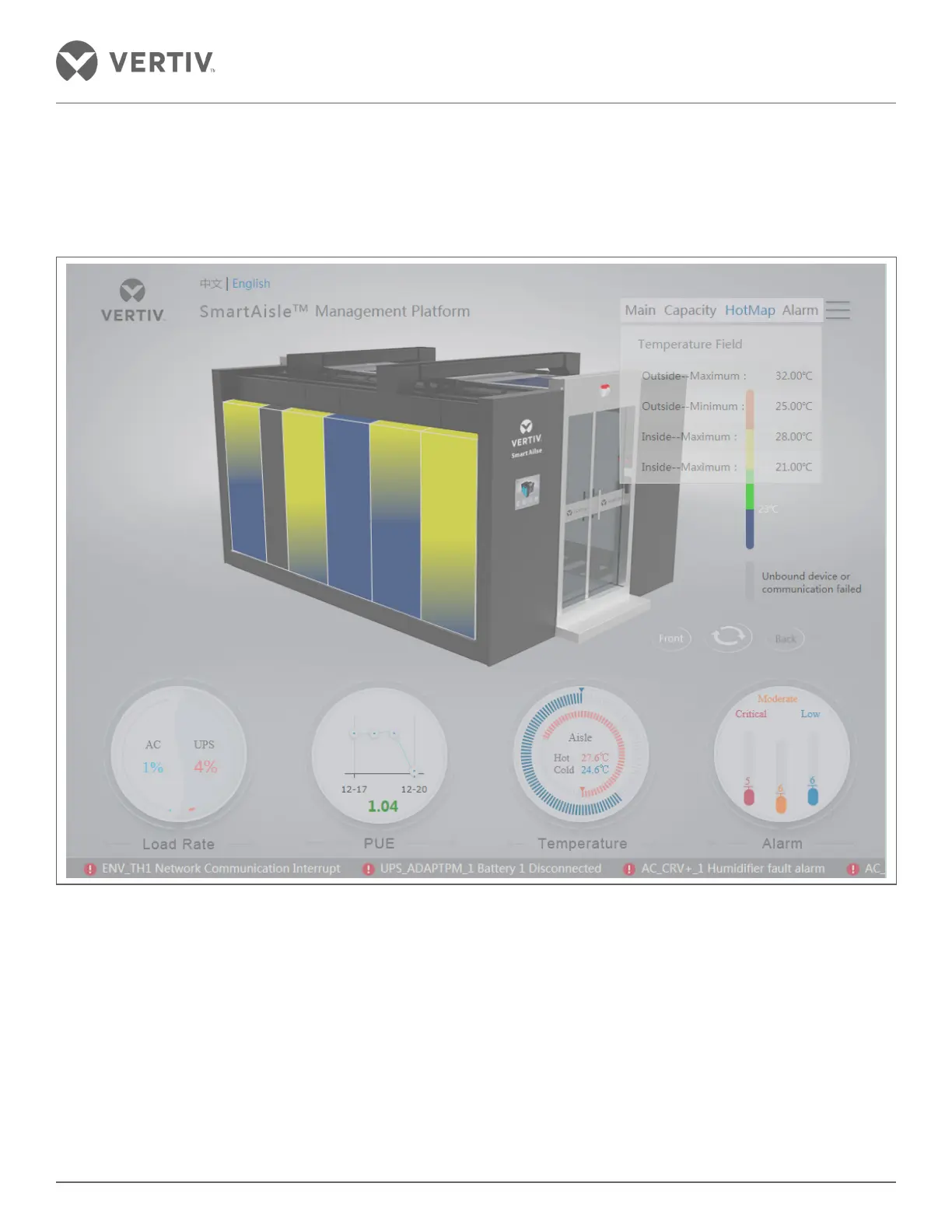
On clicking the navicon, click the Hotmap option displayed in the menu. This shows the maximum and minimum
temperature of the outside ambience in addition to the maximum and minimum temperature inside the cabinet.
Figure 3-8 3D Temperature page
Click on the Field temperature module to see temperature at the top, center, and bottom of the dierent rows of
the cabinet.



 To Next Page