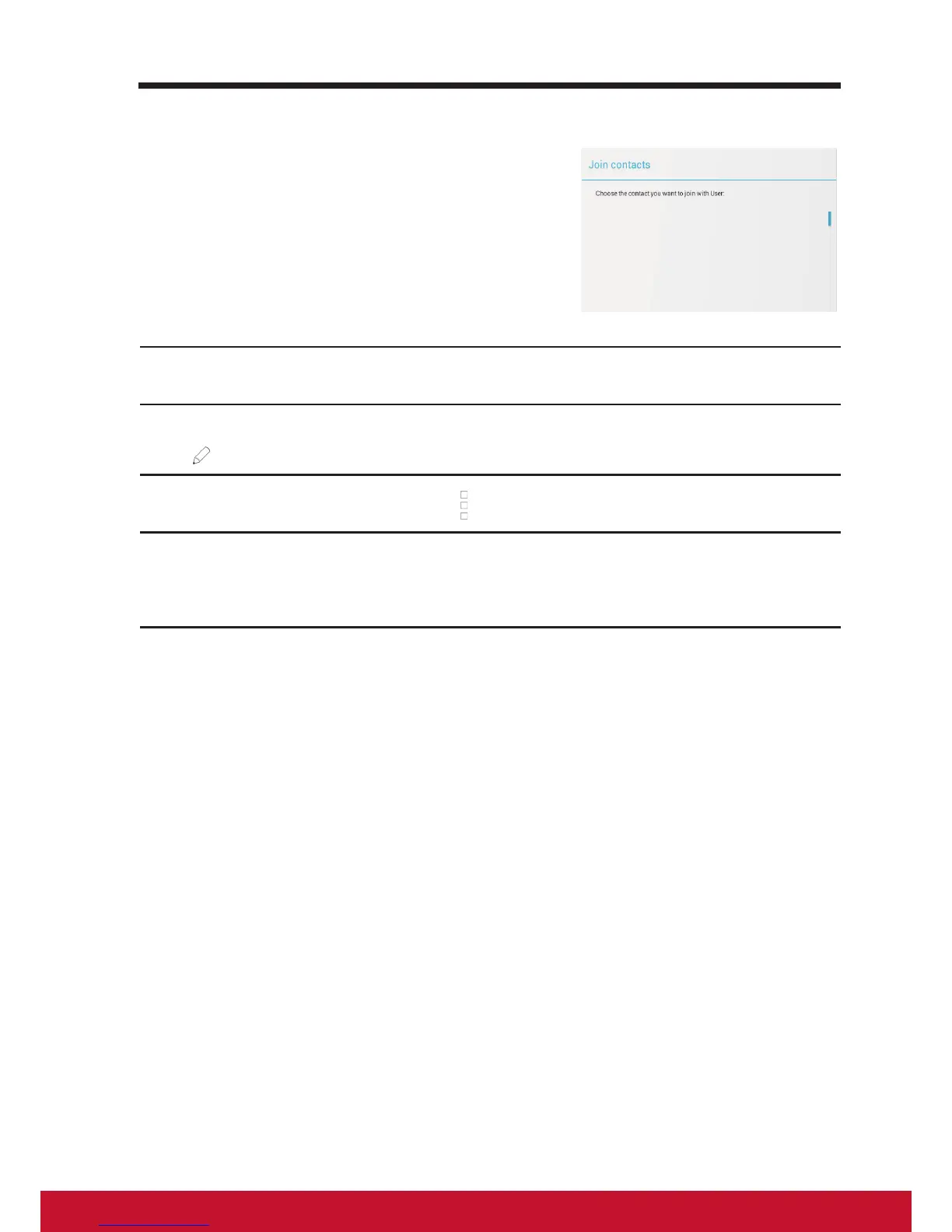
Join contacts
Since your device can synchronize with a
variety of accounts, when synchronizing
contacts from these accounts with your
device, you may have multiple contacts for
the same person. Joining contacts allows you
to view all the contact’s numbers, addresses,
and so on, in one single contact entry.
1
On the Contacts list, nd a desired contact.
2
Touch the contact entry to view the contact details, and then touch Edit
on the upper right of the screen.
3
Then, touch the Menu button on the upper right of the screen│Join.
4
From the Join contacts list, touch another contact to link, and then
touch Done. The joined contact’s information is displayed with the
original Contacts settings.



 To Next Page