42
7.6 Power Saving Feature
In order to save energy, this device supports power saving mode (sleeping
mode). The device will enter power saving mode when you idle without
processing. Then, the screen will go off. You can set the duration of screen
to remain on before entering sleeping mode, touch the Home button │ Apps
button │ Settings │ Display │ Sleep.
7.7 Power Management Information
Please turn of the device when it will not be used for long time. This could
potentially increase the life and decrease the power consumption of the
device.
LED Status
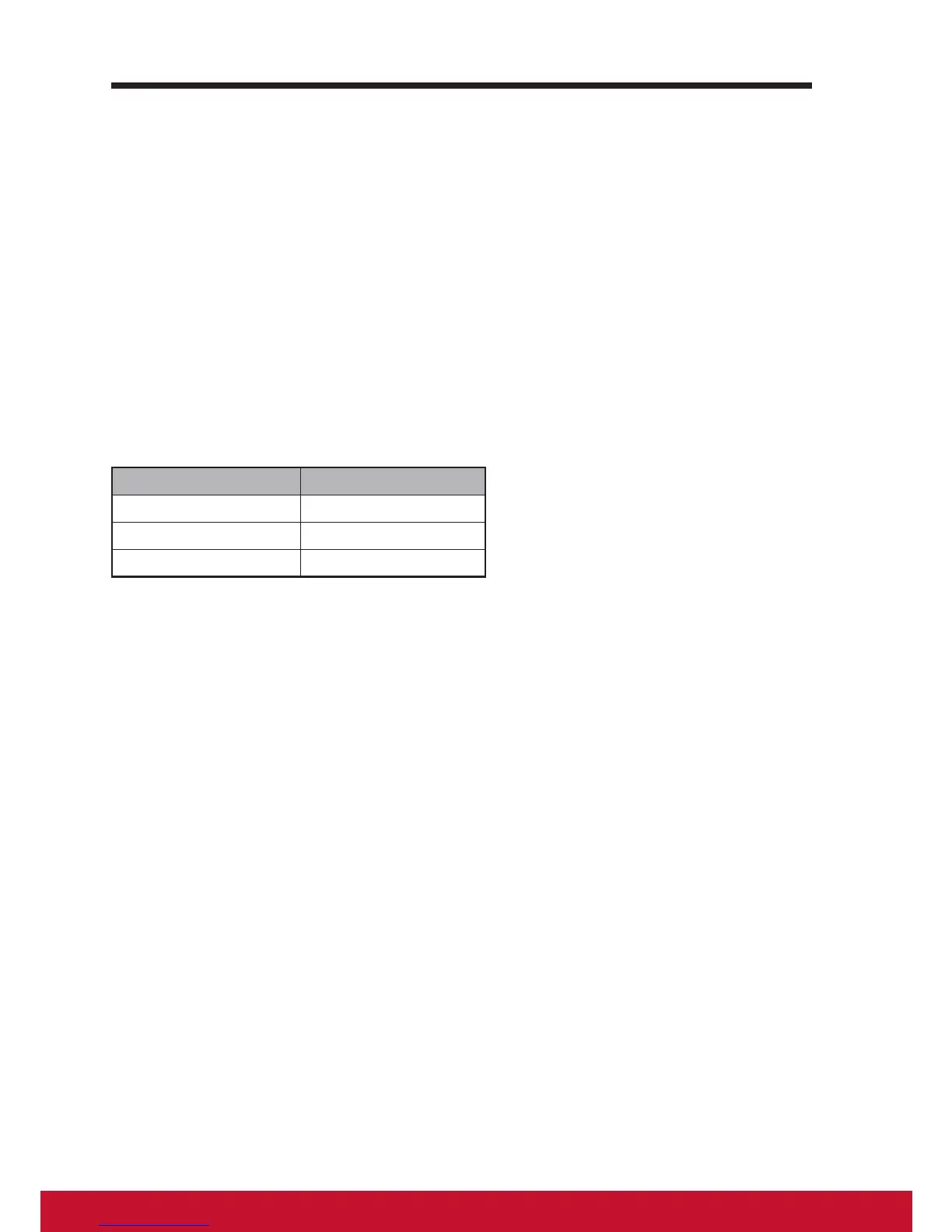
Power On Blue
Power Standby Amber
Power OFF LED OFF
Power On – In off mode, touch the LED power light 0.5 seconds to enter
power on mode.
Power Standby – In power on mode, touch the LED power light 0.5 seconds
to enter standby mode.
Power Off – In power on mode, touch the LED power light more than 1-2
seconds and select “OK” in the dialog box to enter off mode


 To Next Page