4.4.2 Remove the SD card safely
1
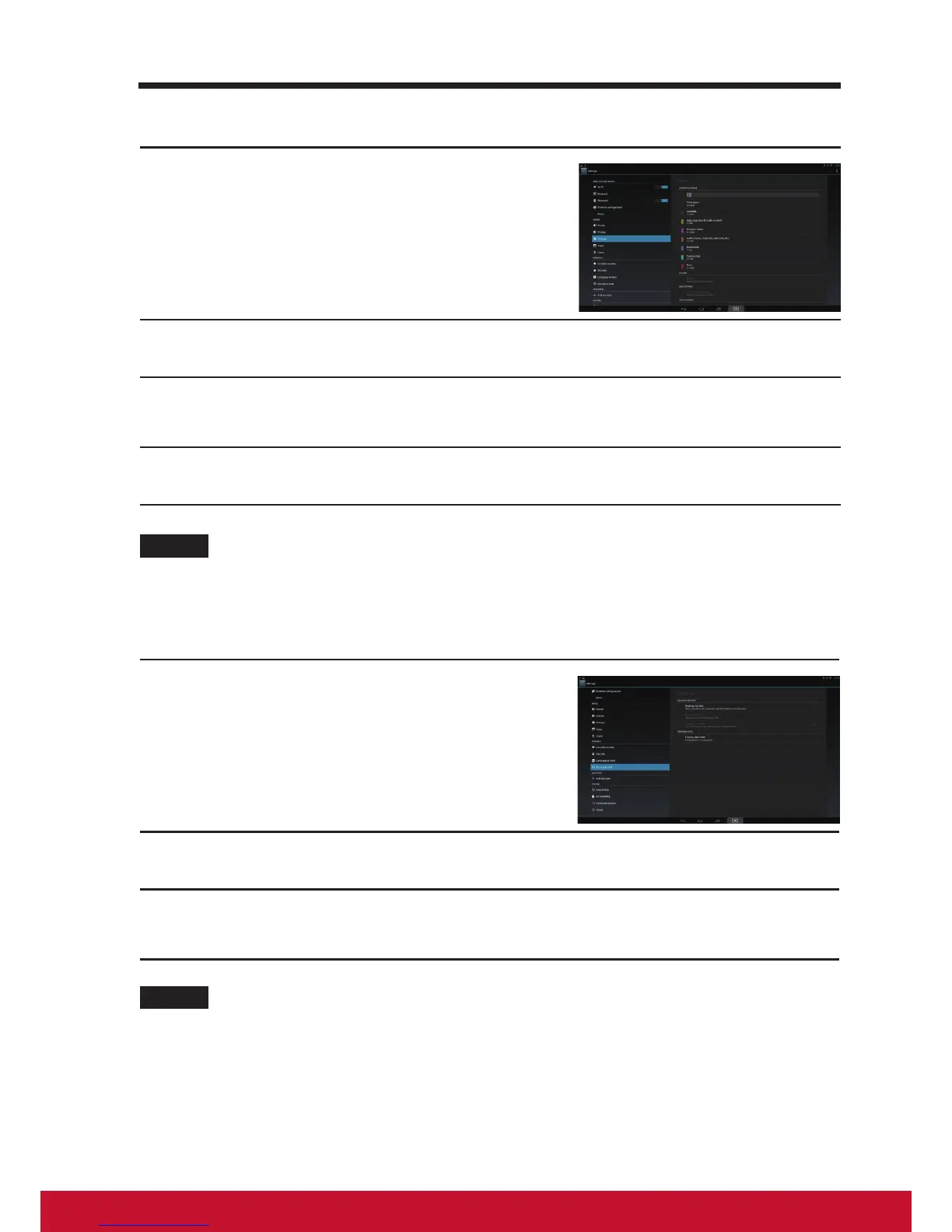
Touch the Home button │ Apps button │
Settings │ Storage.
2
Touch Unmount SD card under the SD Card section.
3
Press and hold the Power button until the Power off menu appears.
Then, touch OK to turn off the device.
4
Remove the SD card from your device.
NOTE
• Removing the SD card while the device is working may cause data loss or result in
-application errors. We suggest you unmount the SD card before removing it.
4.4.3 Erase all data from your device
1
Touch the Home button │ Apps button │
Settings │ Backup & reset.
2
Touch Factory data reset tablet.
3
Touch “Reset smart display” to erase everything after you read the
warning.
NOTE
• Ensure that you have back up all the required data before erasing all data from your
device.


 To Next Page