© 2010 Viking Preferred Service
19
Diagnostics
Offsets
In order to adjust the Offset parameter, you must first enter the Settings parameter as shown on page 16.
Next, access the Oven Selection parameter as shown on page 18. When you see either number “1” (single) or
number “2” (double), rotate the “SET KNOB” clockwise.
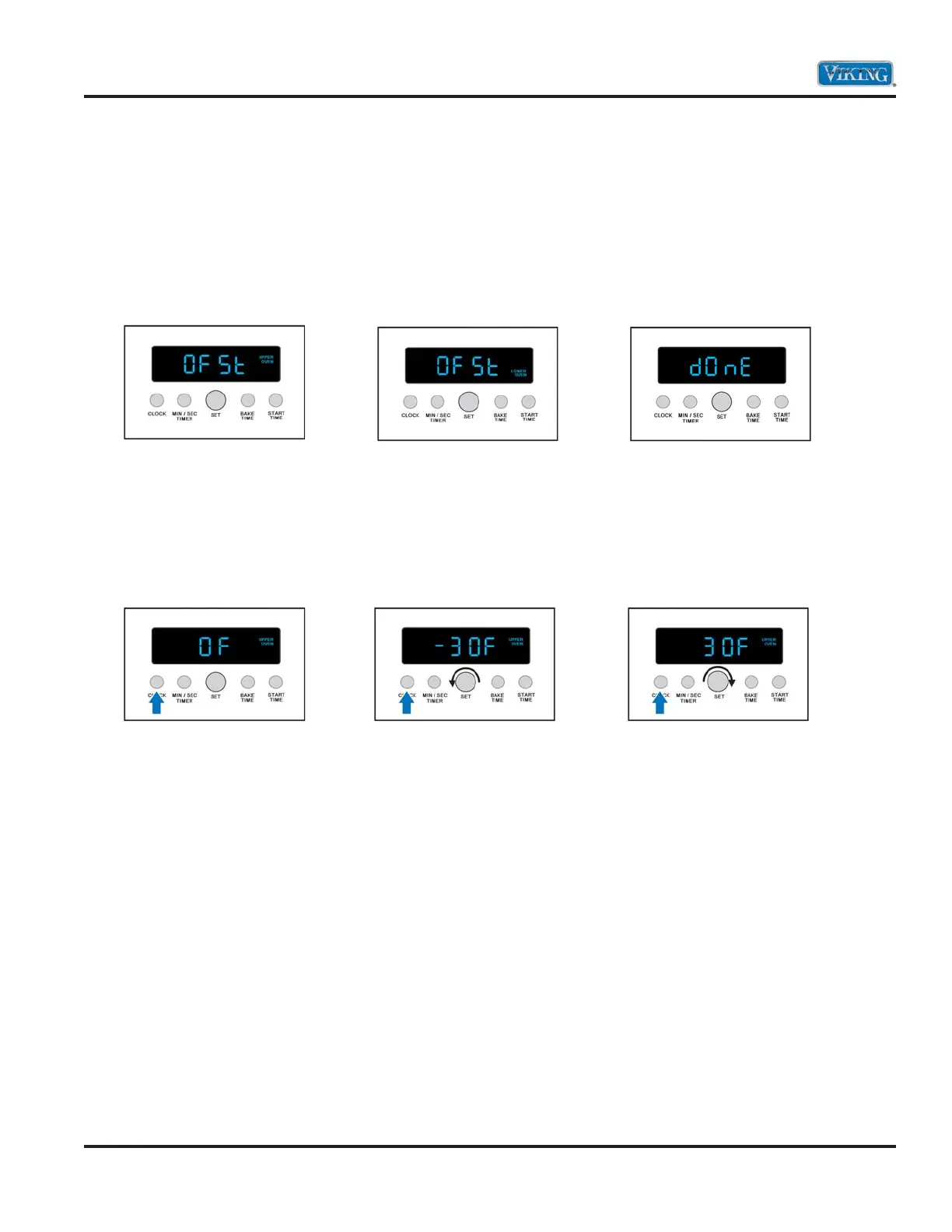
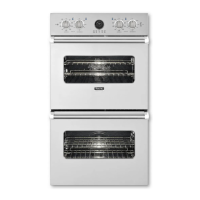
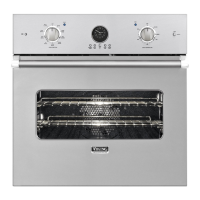
First, you will see the Offset parameter for the upper oven (DDOE) (below left). This will also be for the single
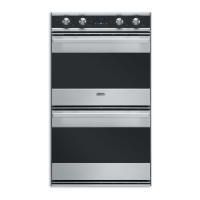
(DSOE) oven. If you need to adjust the lower oven temperature offset on a double oven, rotate the
“SET KNOB” clockwise to access the Lower Oven parameter as shown (below center). If you rotate the
“SET KNOB” clockwise past the lower offset, the word DONE will show in the display as shown (below right).
Once you have made your selection, press “BUTTON 1”. The Default parameter is 0°F (below left).
Now, if for example you need to INCREASE the temperature in the upper oven by 30° (determined by
checking the oven temperature with a loaded probe and averaging five temperature swings), you must
DECREASE the offset by 30° (below middle). If you find that the oven is 30° too hot, then you must
INCREASE offset by 30° (below right).
Once the proper adjustment has been made, depress “BUTTON 1” to accept the change. Then, depress
“BUTTON 4” to exit the Settings mode.
Remember: To increase (>) the temperature, decrease the offset. To decrease (<) the temperature,
increase > the offset!



 To Next Page