© 2010 Viking Preferred Service
21
Diagnostics
Diagnostics and Testing (cont.)
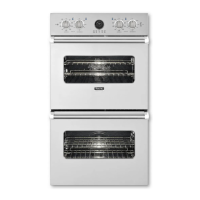
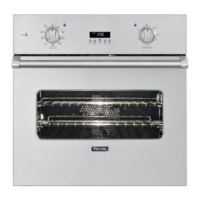
Rotate the “SET KNOB” clockwise to the UPPER EOC4 Testing parameter (below left). Press “BUTTON 1“
to access all the individual component tests for the upper oven cavity. If you want to check the lower oven
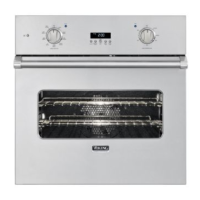
components, rotate the “SET KNOB” clockwise to access the lower oven cavity LOWER EOC4 Testing
parameters (below middle). From this point, depressing “BUTTON 4” will exit the test mode. Press
“BUTTON 1“ to enter tests for a particular EOC. Advancing the “SET KNOB” once more will display the
DONE screen (below right). To exit Test Mode, press “BUTTON 4”.
Upper/Lower Diagnostics
The following tests are under EOC4 – Upper Oven (single)/EOC4 and Lower Oven (double oven). Use the
“SET KNOB” toggle through all the test parameters. Press “BUTTON 1” to run a particular test and see the
value associated with that test. Press “BUTTON 1” again to stop test and return to selection screen. The first
parameter is the version number of the control board for the particular cavity being tested.
EOC Version–This number indicates the software version of the control board.
RTD–Displays temperature at RTD probe.
Probe (DDOE305 only)–Displays the meat probe temperature. If a meat probe is not plugged in, the display
will show 0°.
Press
“BUTTON 1”
Press
“BUTTON 1”



 To Next Page