Display, Keys and Menus
Front Panel Keys
VT400 Technical Manual, Rev. A5 23 Doc # UM-VT400-EN
3.2 Front Panel Keys
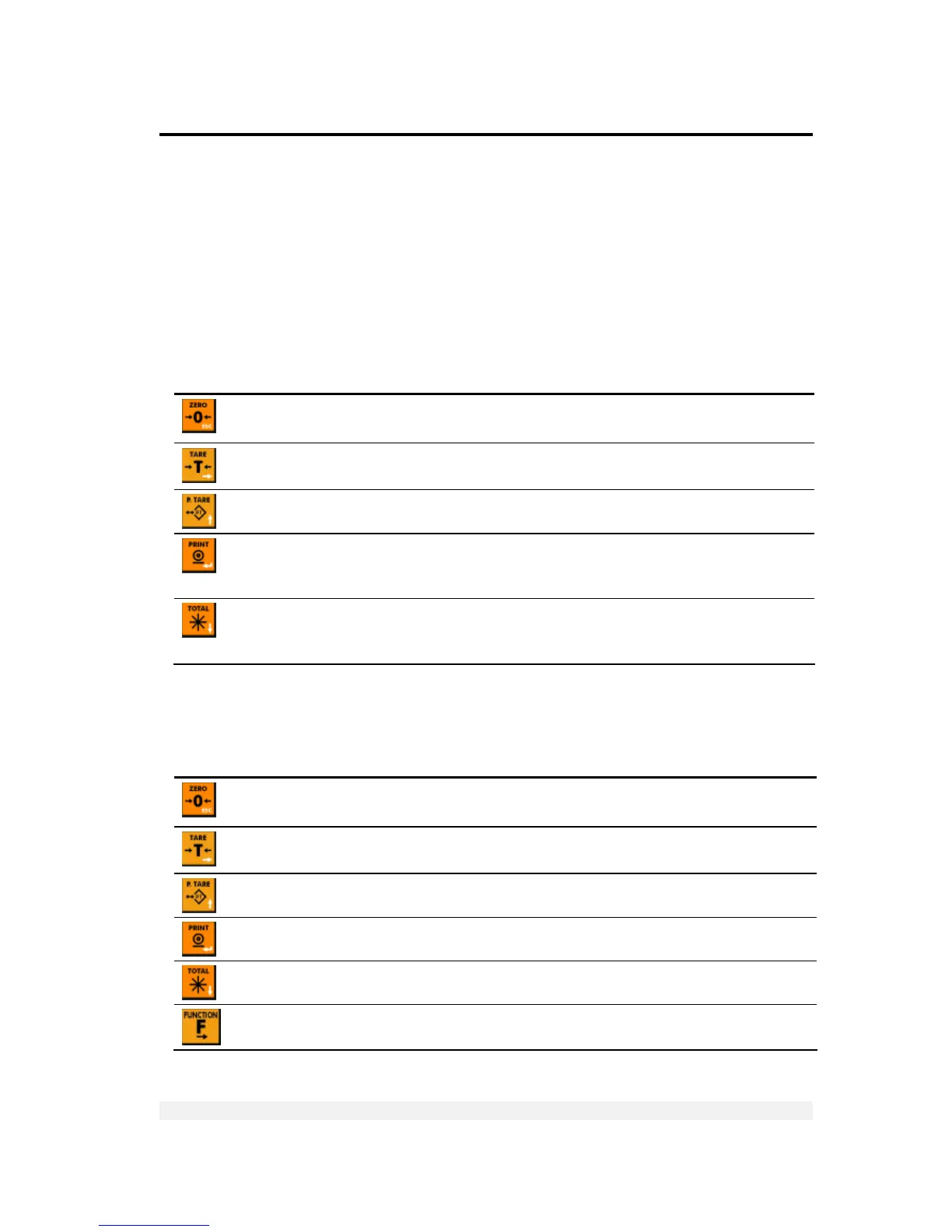
The keys on the front panel serve two functions:
Performing operations, indicated in black at the center of the key.
Navigating menus and entering numeric information. Each key’s navigation
function is indicated in white at its bottom-right corner.
3.2.1 Using Keys to Perform Operations
Key Description Related operations
Press to zero the scale*. Only works if the current weight
is in the zero range.
Manual zeroing
Press once to tare the scale*. Press again to view gross
weight.
Taring using current weight
Press once to view the current tare value. Tare recall
When you press this key, the current weight* is printed
to the printer and/or output to an attached computer, and
added to the accumulated total.
Printing, outputting to computer
Press once to view the sum of all accumulated weights.
Press again to see the number of weights accumulated.
Press again to view the current weight.
Accumulated total
* This operation cannot be performed if the weight is not stable.
3.2.2 Using Keys to Navigate and Enter Information
Key Description
Escape. Cancels the current operation or exits a menu.
Next. When editing multiple digits, moves to the next digit. Only press this key once you have
finished editing the current (flashing) digit.
Up. Increments (adds one) to the current digit, or moves to the previous menu option in setup.
Enter. Confirms the current operation or the information entered.
Down. Moves to the next menu option in setup.
Function menu. Enters the function menu.



 To Next Page