Appendix B: Master-Slave Protocol
VT400 Technical Manual, Rev. A5 74 Doc # UM-VT400-EN
; Command: Download Function
This command executes the specified function.
Master
Transmission
ID SLAVE ; (3Bh) NNXXXX BCS
NN: Function number (ASCII DEC)
XXXX: These bytes not used; fill with Space character (20h).
Slave Response ECHO
Setup Commands
These commands download parameters from a host, for setup and calibration of the
VT400. Refer to Section 3.4.3 for details on these parameters. See the end of this
section for information on uploading setups from a slave device to the host machine.
The following is the format of most setup commands:
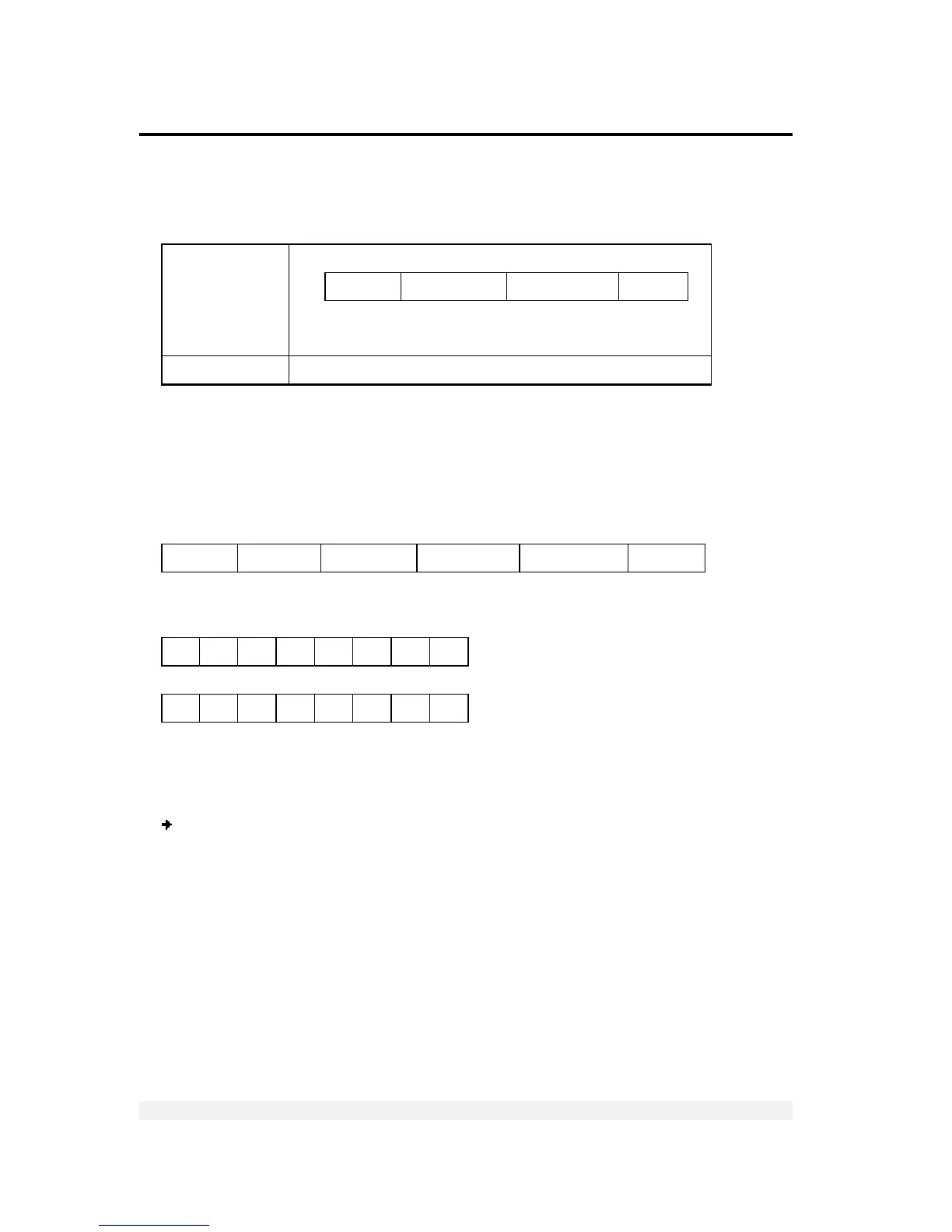
ID SLAVE COMMAND W1 (2 bytes) W2 (2 bytes) W3 (2 bytes) BCS
Data word (W1-W3) format :
Most significant byte (b7 to b4: nibble)
0 0 1 1 b7 b6 b5 b4
Least significant byte (b3 to b0: nibble)
0 0 1 1 b3 b2 b1 b0
Decimal to ASCII-hex Conversion:
Most of the setup commands have a data parameter which is specified in ASCII hex
and produces a decimal equivalent for the VT400 setup.
To convert from a decimal value to the ASCII hex equivalent:
1. Convert the value from decimal to hex: for example, 90 (dec) to 5A (hex).
2. Replace any letters (A-F) in the hex value with an ASCII character according to the
following conversion pairs (for example, 5A in hex to 5: in ASCII hex.
A (hex) to :
B (hex) to ;
C (hex) to <
D (hex) to =
E (hex) to >
F (hex) to ?



 To Next Page