96 VISIONEER STROBE XP 450 SCANNER USER’S GUIDE
DISPLAY THE DEVICE CONFIGURATION
1. Click the Visioneer Strobe XP 450 icon in the top right corner of
the TWAIN interface.
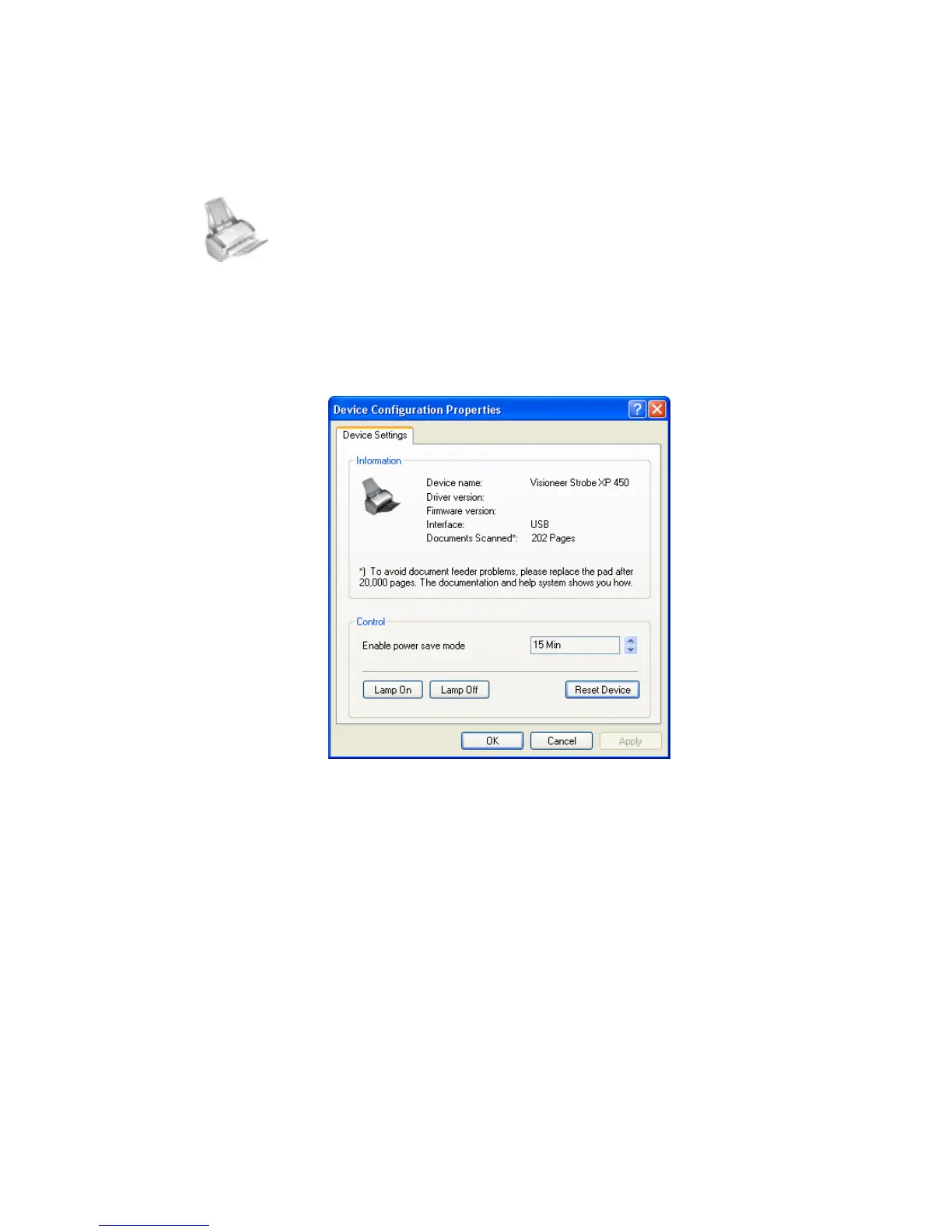
The Device configuration window opens and shows the
information about your scanner.
See the section “Checking the Hardware and Setting the Lamp
Power Save Mode” on page 84 for more information about the
device settings.













 To Next Page