48 VISIONEER STROBE XP 450 SCANNER USER’S GUIDE
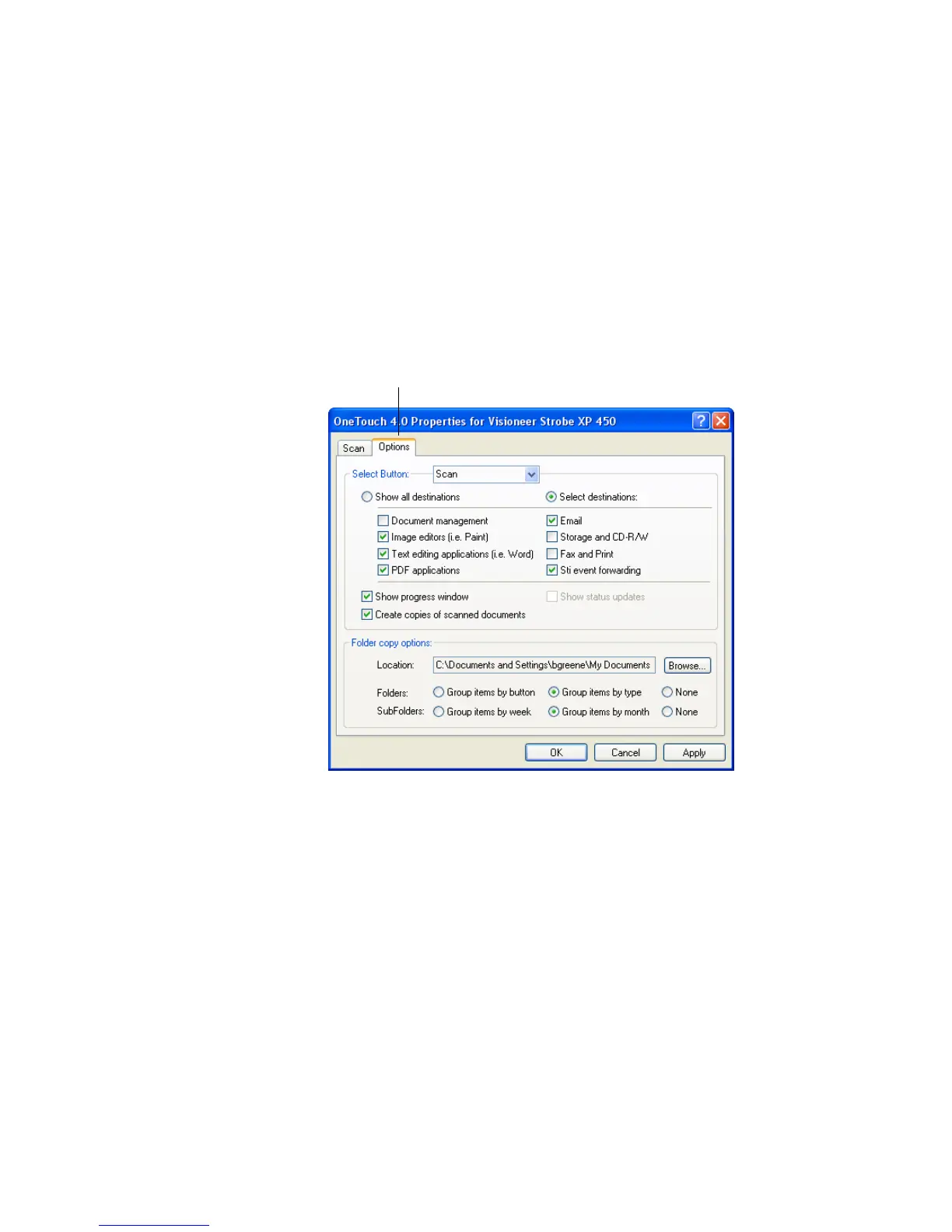
SELECTING OPTIONS FOR THE SCAN BUTTON
The OneTouch Options determine the types of Destination
Applications available for the Scan button, as well as the location of the
files of your scanned items.
To select options:
1. Open the OneTouch Properties window and click the Options tab.
2. Select button options as described below:
Show All Destinations—This option selects all the Destination
Application categories. The list of Destination Applications
available for the Scan button will include all the applications on
your computer that fall into these categories. The list also includes
printers and other devices connected to your computer so, for
example, you can scan an item and have it printed immediately.
Options tab.













 To Next Page