SELECTING NEW SCAN SETTINGS FOR THE SCAN BUTTON 79
TRANSFERRING SCANNED DOCUMENTS TO STORAGE
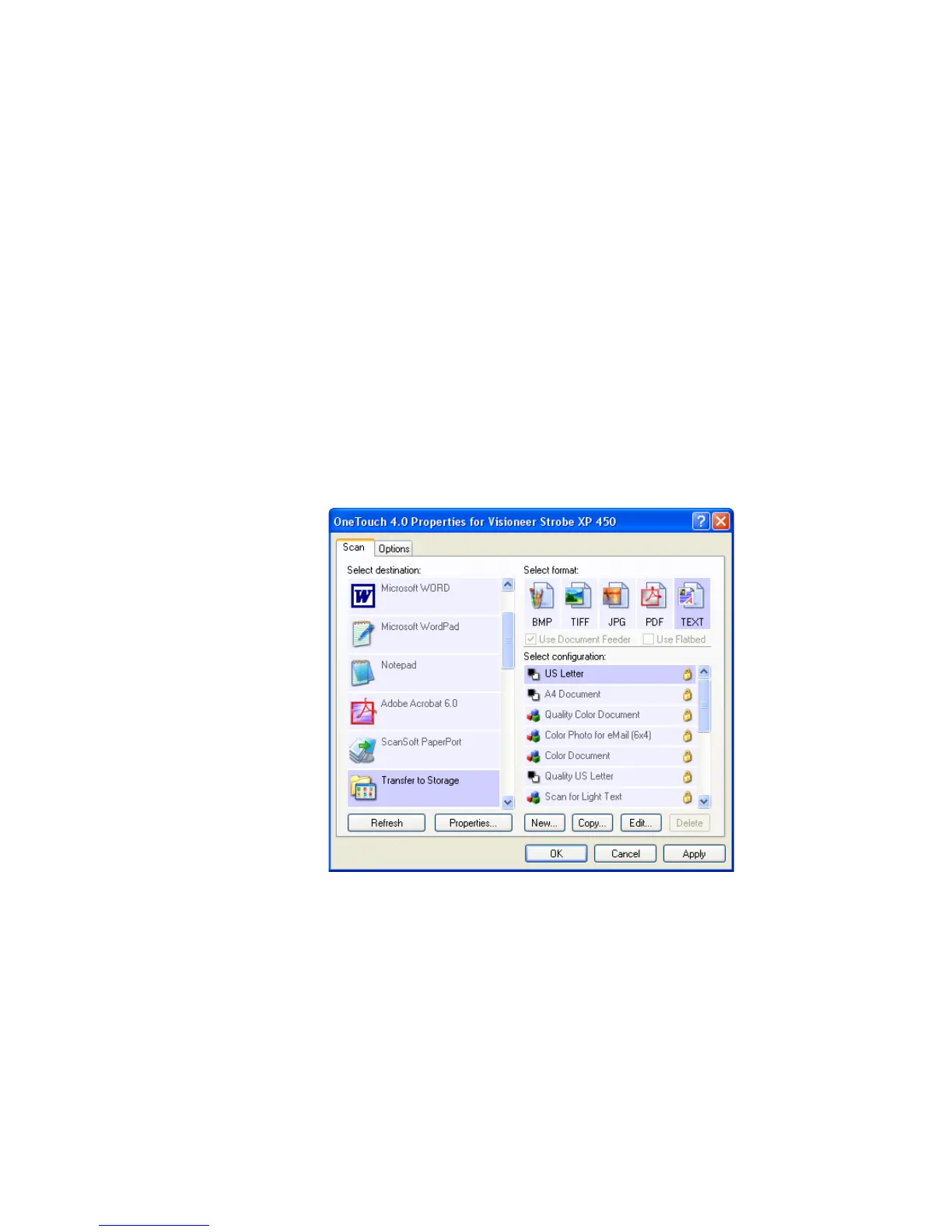
With the Transfer to Storage scanning process, you can scan documents
and save them in a folder in one step. The process is ideal for archiving
documents without having to manually save or process them in any
other way. If you choose a text format for the file format, the documents
are also automatically converted by the OCR process into editable text
and numbers before being stored.
To transfer documents to storage:
1. Open the OneTouch Properties window.
2. Select Transfer to Storage as the Destination Application.
3. Select a Format and Configuration.













 To Next Page