72 VISIONEER STROBE XP 450 SCANNER USER’S GUIDE
SCAN AND BURN TO A CD
If you have a CD burner attached to your computer, you can scan
directly from your Visioneer Strobe XP 450 scanner onto a CD.
To scan and burn to a CD:
1. Put a blank CD into your computer’s CD Drive.
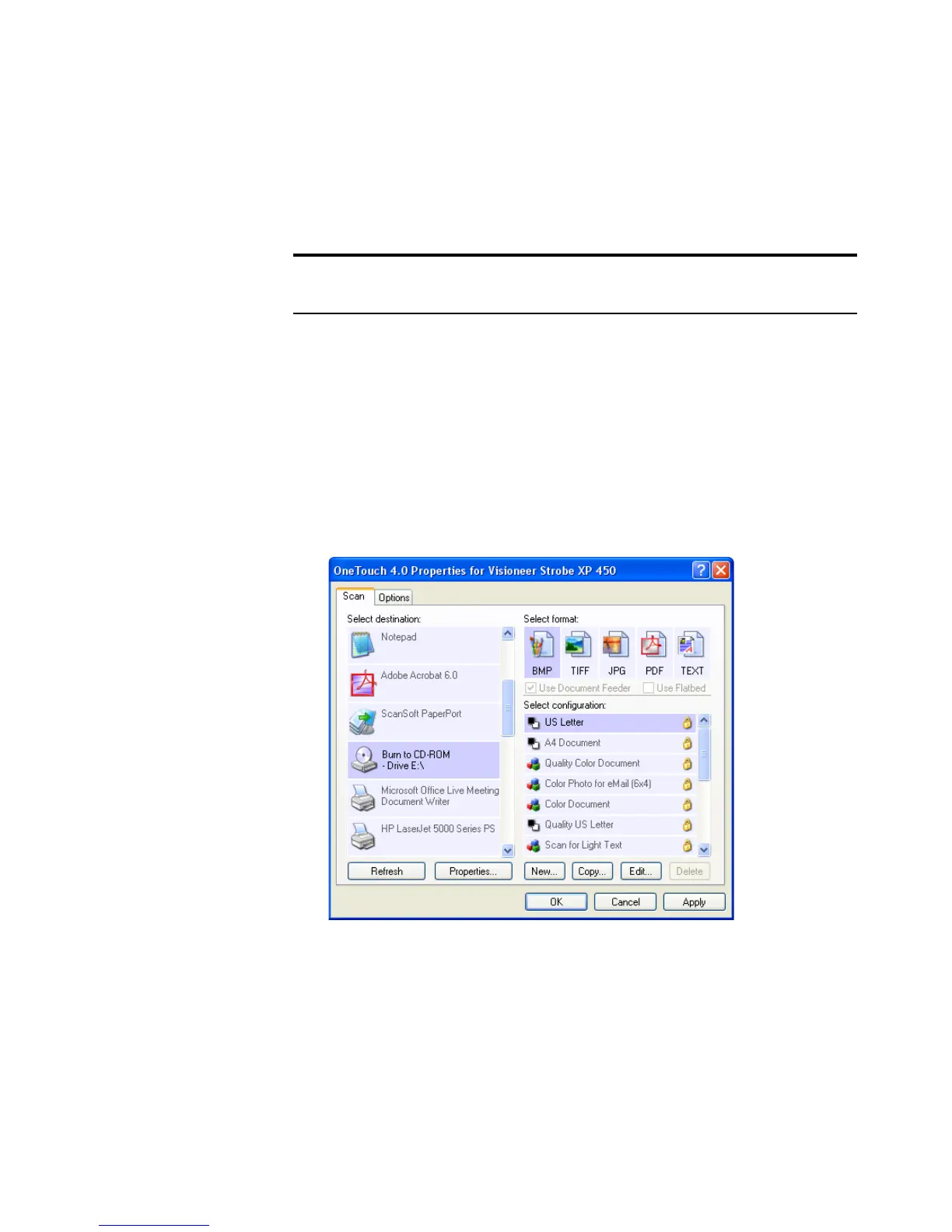
2. Open the OneTouch Properties window.
3. Select Burn to CD as the Destination Application.
The Burn to CD Destination Application is only available if you
have a CD burner attached to your computer, but you do not need
to have a CD in the burner to select the destination.
4. Choose a Page Format and a Scan Configuration.
5. Click OK.
The OneTouch Properties window closes.
Note: This feature is available only on computers running Windows
XP.













 To Next Page