SELECTING NEW SCAN SETTINGS FOR THE SCAN BUTTON 35
SETTING DESTINATION APPLICATION PROPERTIES
The different types of Destination Applications have various properties
that you can select.
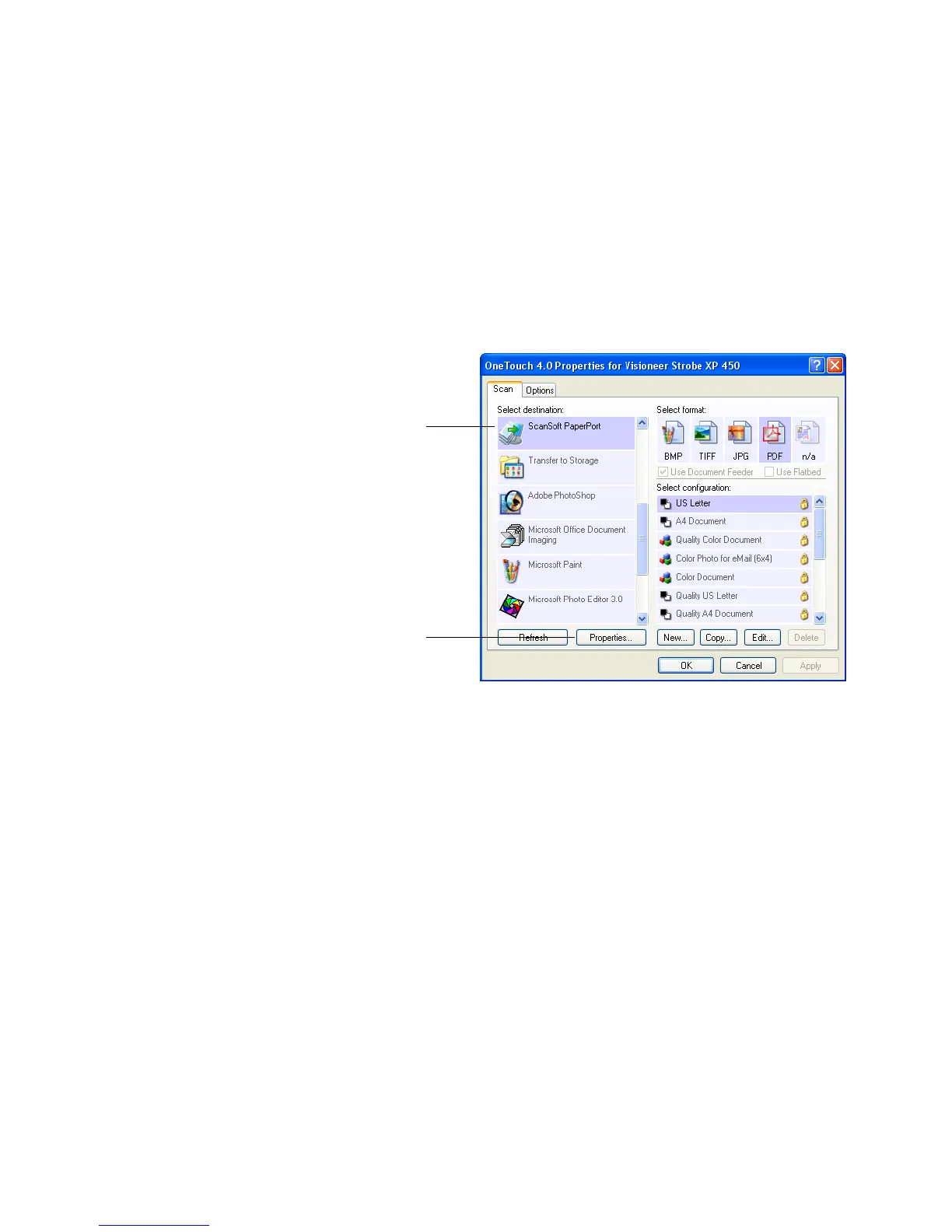
1. On the OneTouch Properties window, click a Destination
Application.
2. Click the Properties button.
A OneTouch 4.0 Link Properties dialog box opens for the type of
Destination Application you selected, and the available options are
for that type of application.
Click a Destination
Application.
Click the Properties
button.













 To Next Page