84 VISIONEER STROBE XP 450 SCANNER USER’S GUIDE
CHECKING THE HARDWARE AND SETTING THE LAMP POWER SAVE MODE
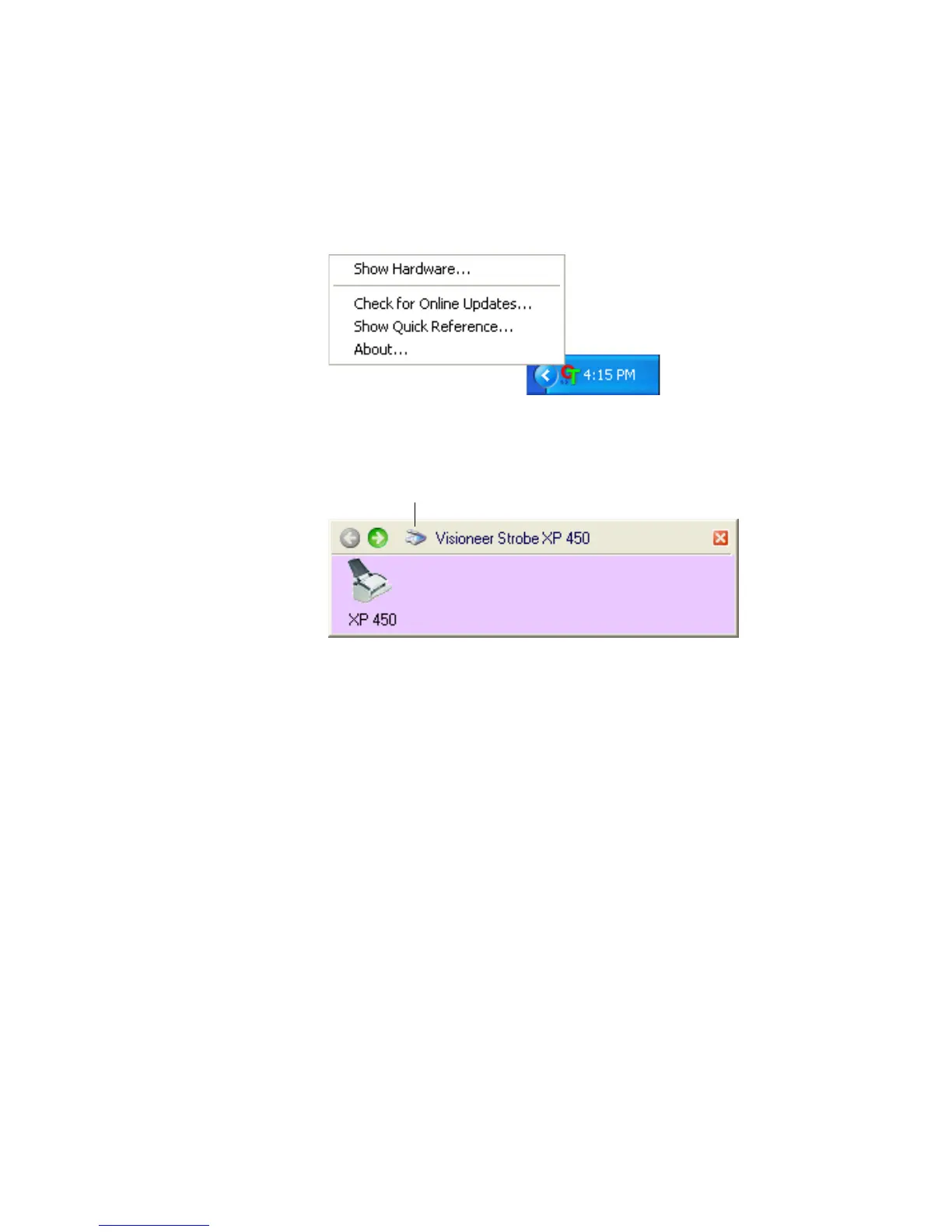
1. Right-click on the OneTouch icon and choose Show Hardware
from the pop-up menu.
You can also click the scanner icon at the top of the OneTouch
Button Panel.
If the Hardware View of the panel is open you can also right-click
on the Strobe XP 450 icon.
The Hardware Properties dialog box opens and shows information
about your Visioneer Strobe XP 450 scanner.
The Hardware icon













 To Next Page