VISIONEER STROBE XP 450 SCANNER USER’S GUIDE 1
WELCOME
Congratulations on purchasing your Visioneer Strobe XP 450 scanner.
With your scanner you can quickly scan stacks of color or black-and-
white documents and place their images on your computer.
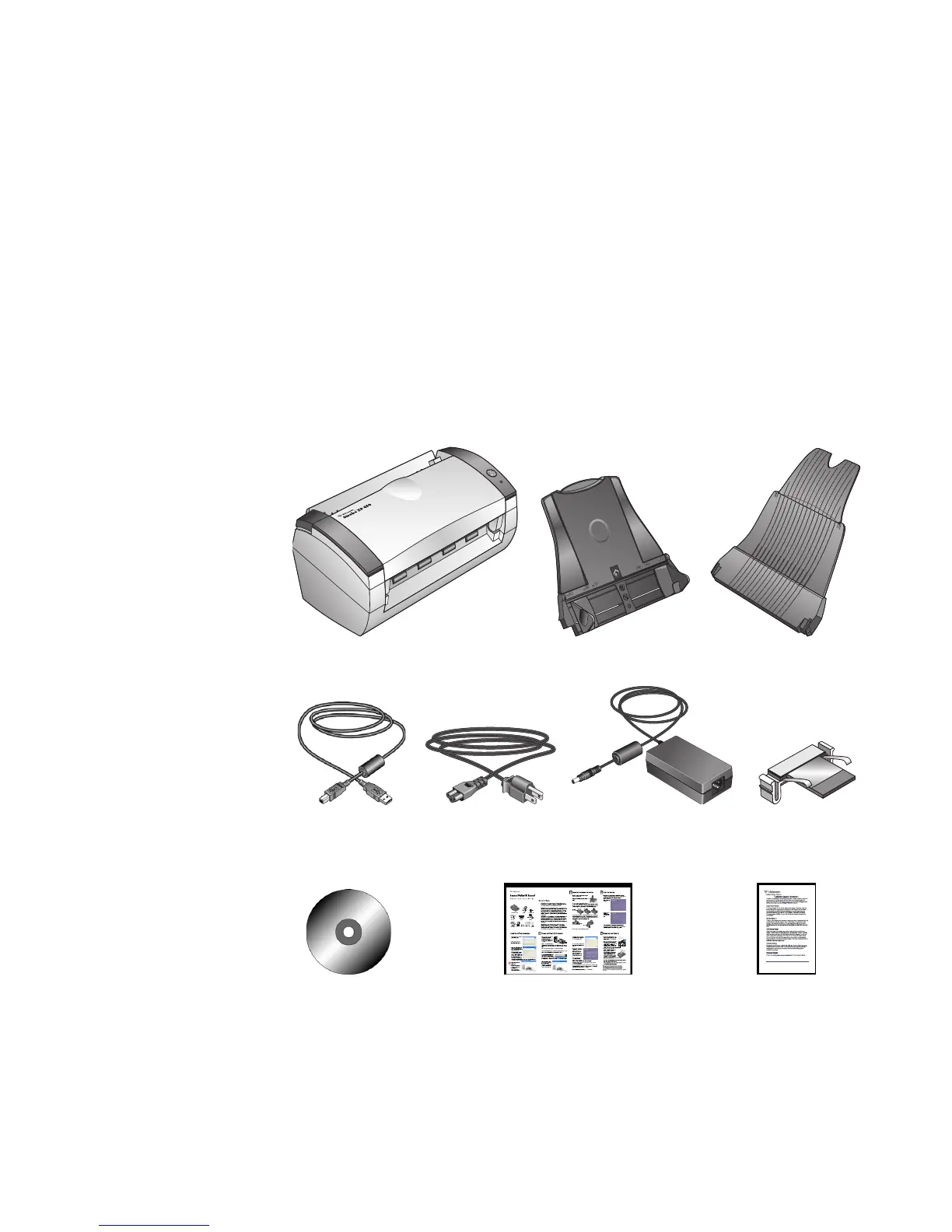
WHAT’S IN THE BOX
Before proceeding, check the contents of the box. If items are missing or
damaged, contact the dealer where you purchased the scanner.
Visioneer Strobe XP 450 Scanner
Power Supply
Input Tray Output Tray
Replacement
ADF Pad
Power CordUSB Cable
Installation CD Quick Install Guide Technical Support Card













 To Next Page