88 VISIONEER STROBE XP 450 SCANNER USER’S GUIDE
ACCESSING THE TWAIN INTERFACE FROM PAPERPORT
The instructions in this section are for accessing the TWAIN interface
from the PaperPort application.
To access the TWAIN interface from PaperPort:
1. On the Windows taskbar, click Start, point to Programs, point to
ScanSoft PaperPort, then click PaperPort.
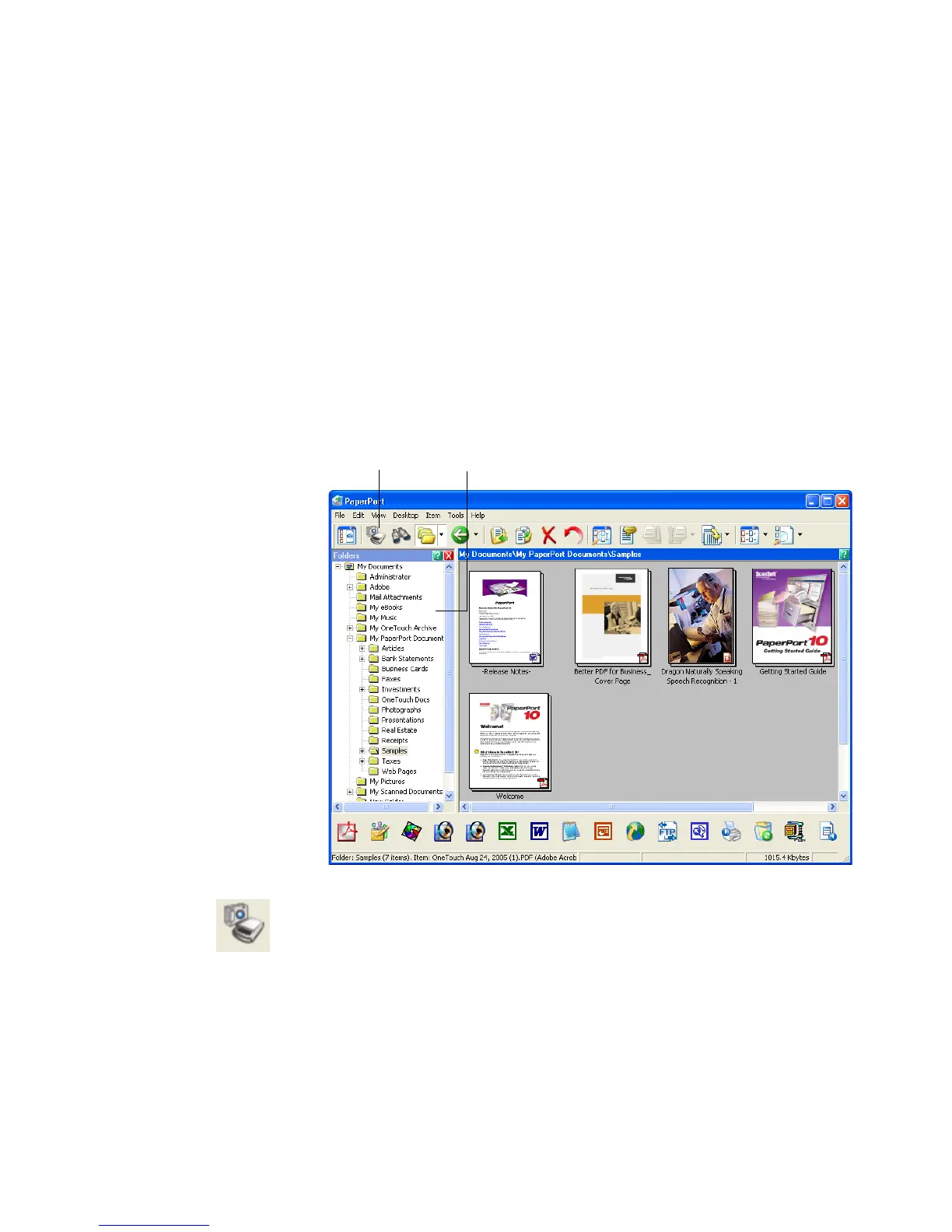
The first time PaperPort is launched, it opens with the Folders pane
displayed as shown here. Later on, PaperPort opens in the view you
were last using.
2. Click the Scan icon on the PaperPort command bar.
Scan icon. Folders pane.













 To Next Page