SELECTING NEW SCAN SETTINGS FOR THE SCAN BUTTON 83
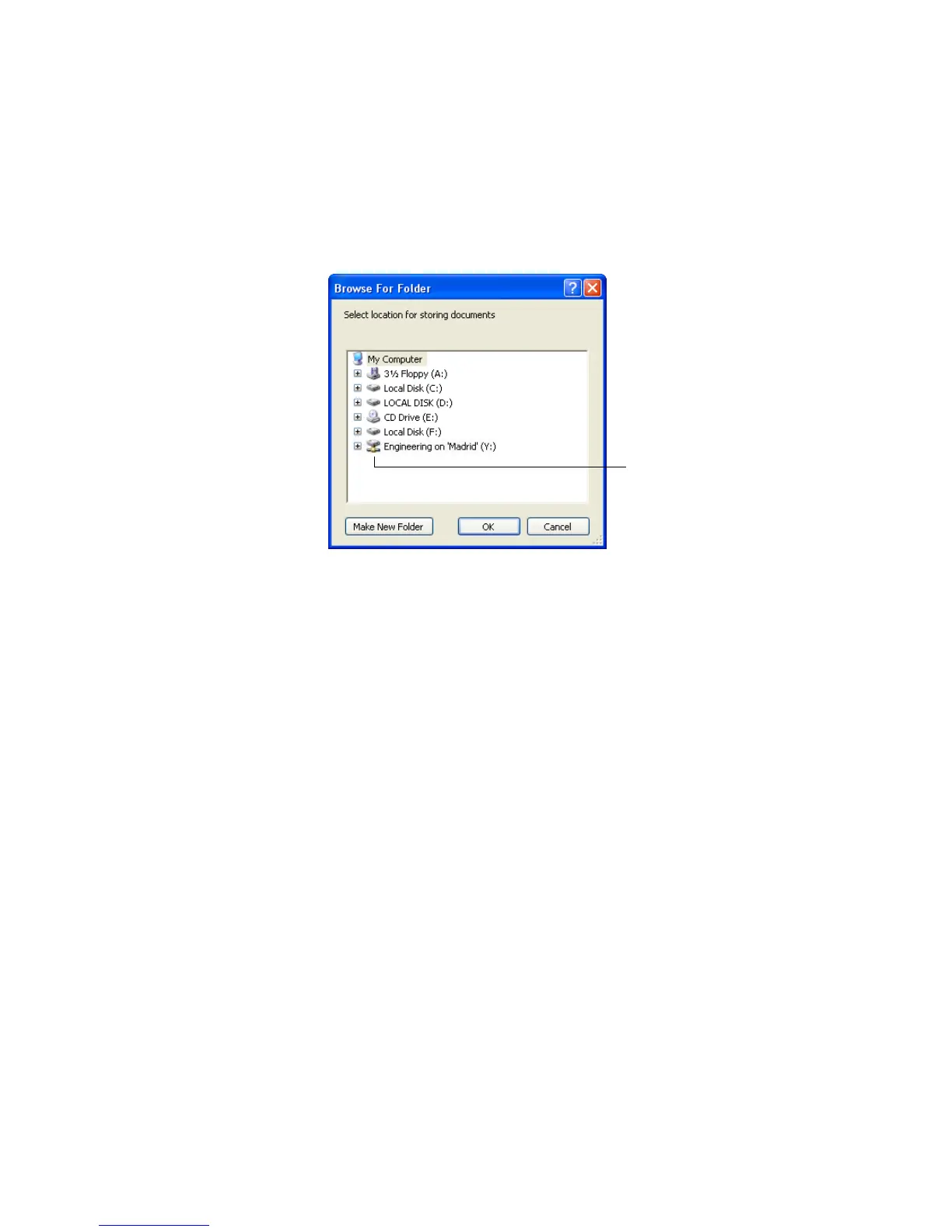
2. Select a storage location on the mapped drive or server for the
scanned documents.
Servers and mapped drives are represented by an icon that indicates
its network connection.
3. Click OK.
Now when you scan using Transfer to Storage as the Destination
Application, the documents are stored on the server or mapped
drive.
Select a mapped drive or
server as indicated by the
icon.













 To Next Page