82 VISIONEER STROBE XP 450 SCANNER USER’S GUIDE
TO TRANSFER DOCUMENTS TO A SERVER OR MAPPED DRIVE
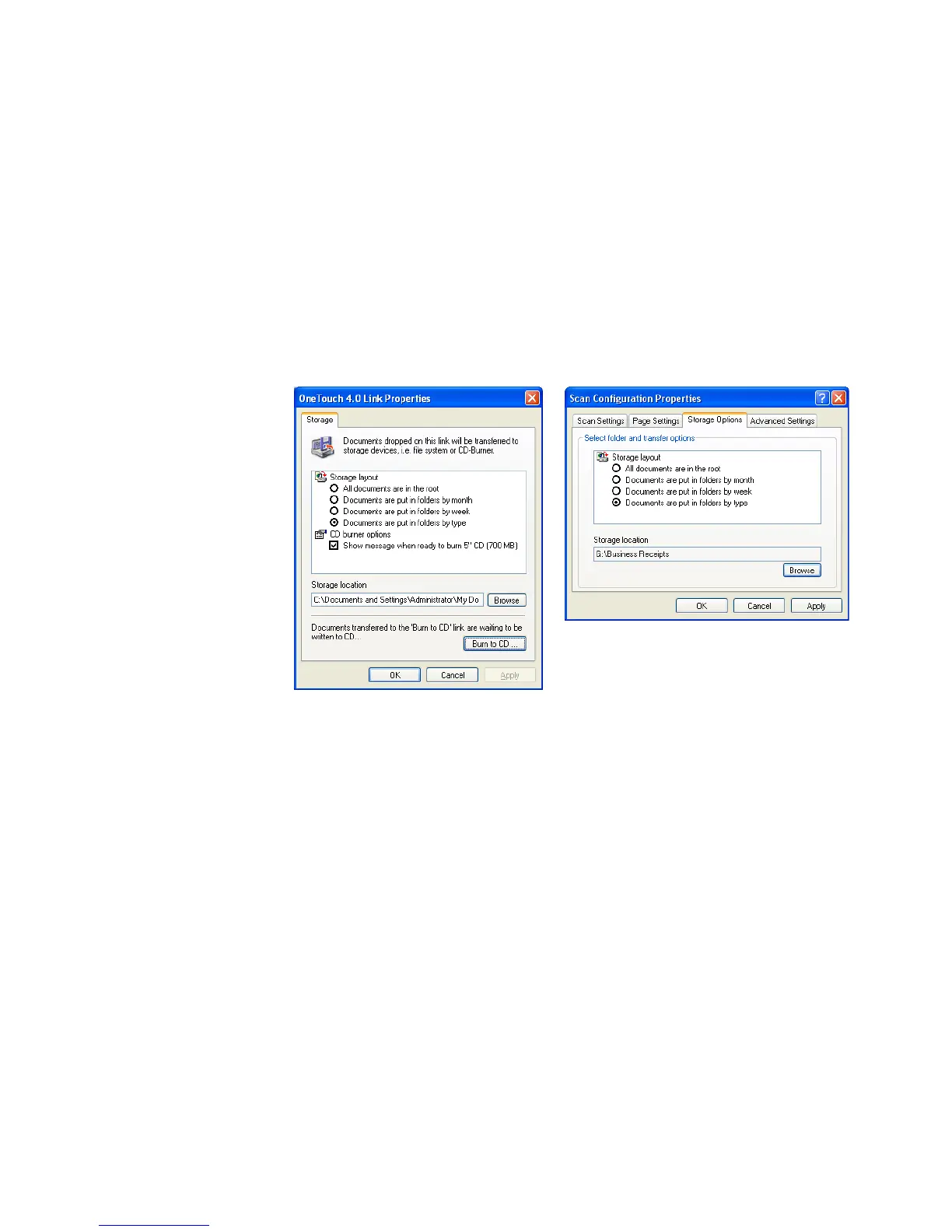
When selecting the storage location for scanned documents, you can
select a local folder, or a folder on a server or mapped drive.You select a
mapped drive using the Browse button. See “The Storage Options Tab
(Archive)” on page 60 for the steps to select the Transfer to Storage
options.
1. On either the OneTouch 4.0 Link Properties window, or from the
Scan Configuration Properties window, click the Browse button.
The Browse For Folder window opens.













 To Next Page