SELECTING NEW SCAN SETTINGS FOR THE SCAN BUTTON 81
7. Press the Scan button.
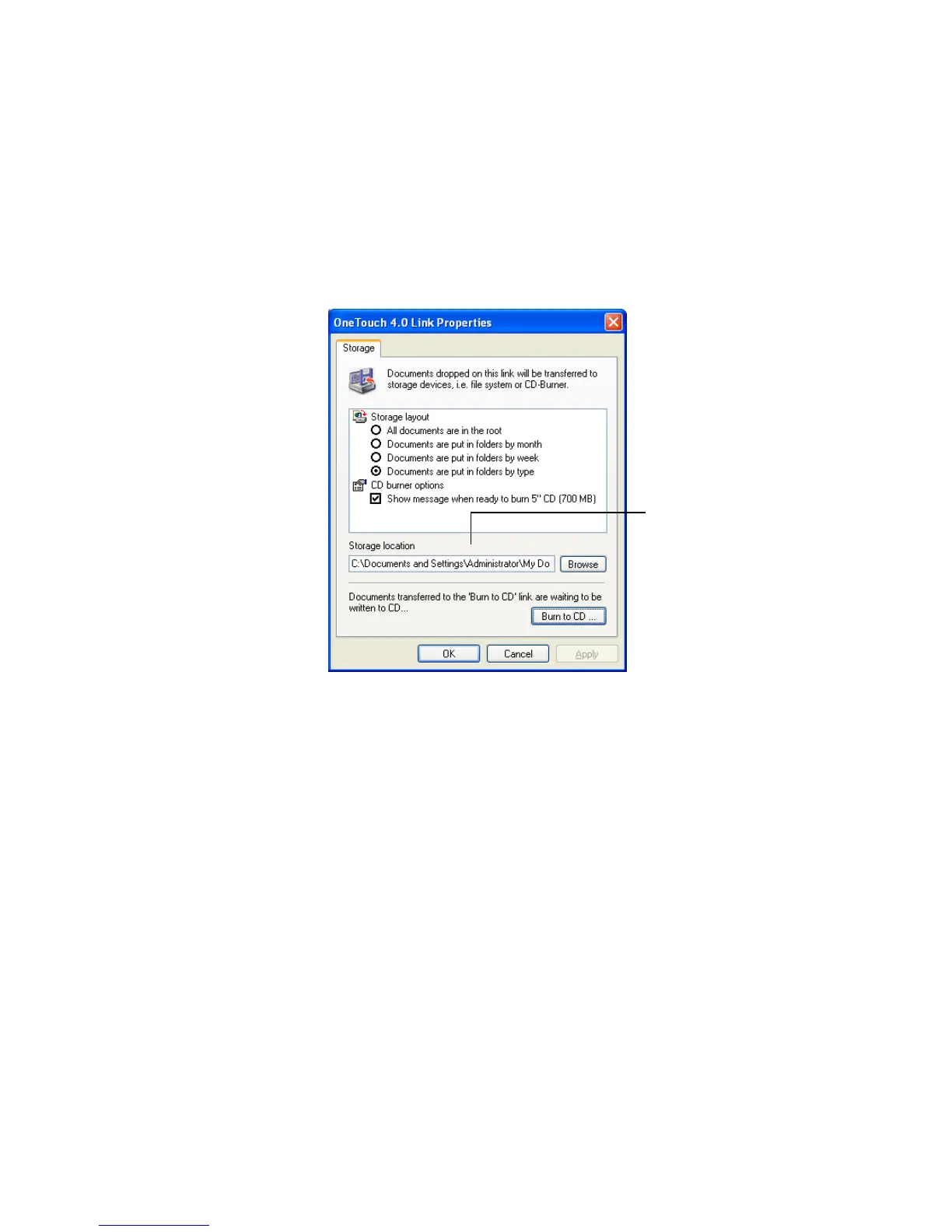
When scanning is finished, the documents are stored in the location
that you specified on the OneTouch 4.0 Link Properties window.
If you selected a text format, the documents are first converted to
editable text using the OCR process, and then stored.
Your scanned documents
will be stored at this location.













 To Next Page