80 VISIONEER STROBE XP 450 SCANNER USER’S GUIDE
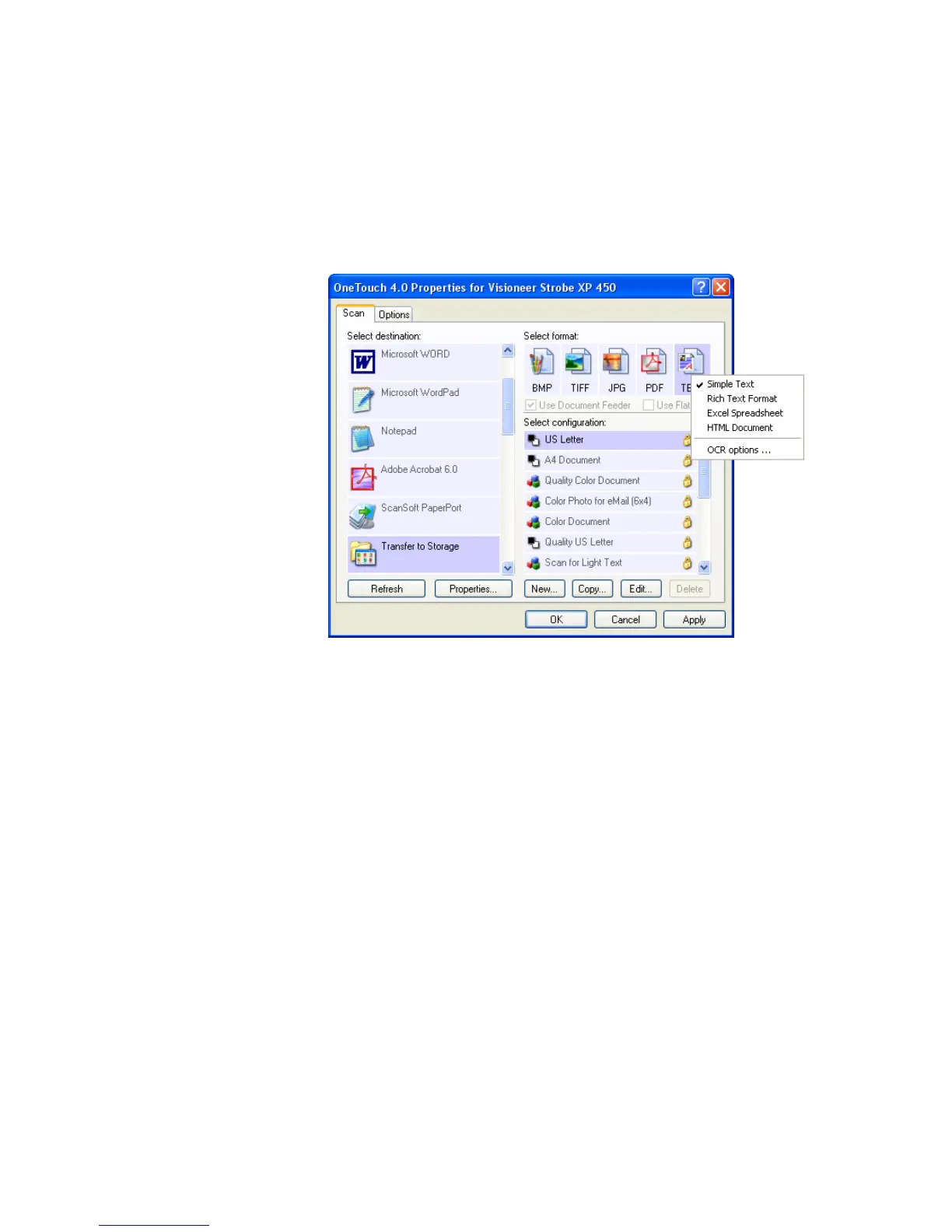
4. If you want to have text documents or spreadsheets converted by
the OCR process prior to being stored, choose a text format.
Right-click on the text format icon and from the drop-down menu
choose a text format for the scanned images.
5. Click OK.
The OneTouch Properties window closes.
6. Insert the documents into the Automatic Document Feeder.













 To Next Page