36 VISIONEER STROBE XP 450 SCANNER USER’S GUIDE
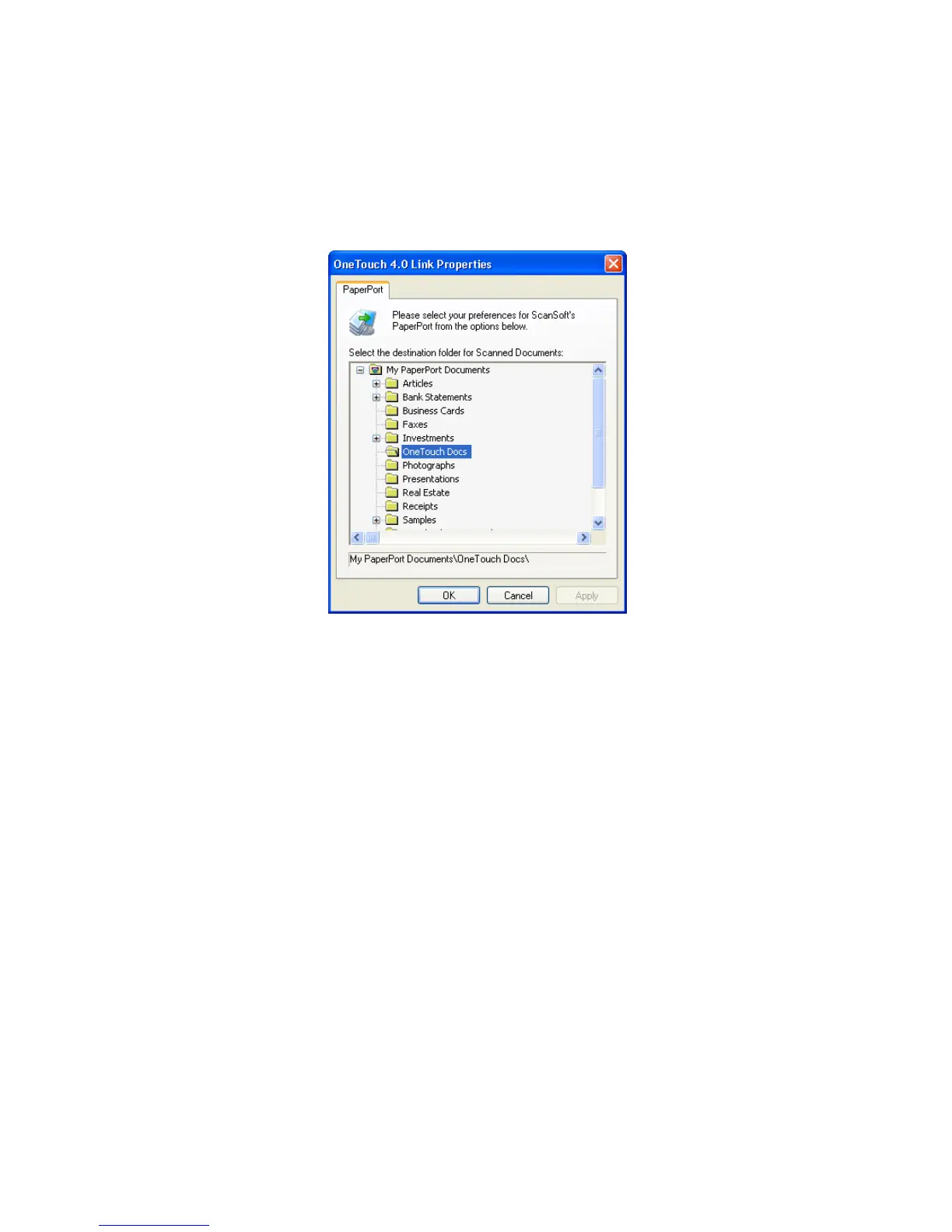
PaperPort Properties
These properties apply to PaperPort, and are for designating the folder
to receive your scanned items.
1. Select the PaperPort folder where you want the file of the scanned
image to be located.
2. Click OK.
3. Click OK or Apply on the OneTouch Properties window.
When PaperPort opens after you finish scanning, the thumbnails of
your scanned documents are on the PaperPort Desktop in that
folder.













 To Next Page