SELECTING NEW SCAN SETTINGS FOR THE SCAN BUTTON 37
TEXT DOCUMENTS PROPERTIES
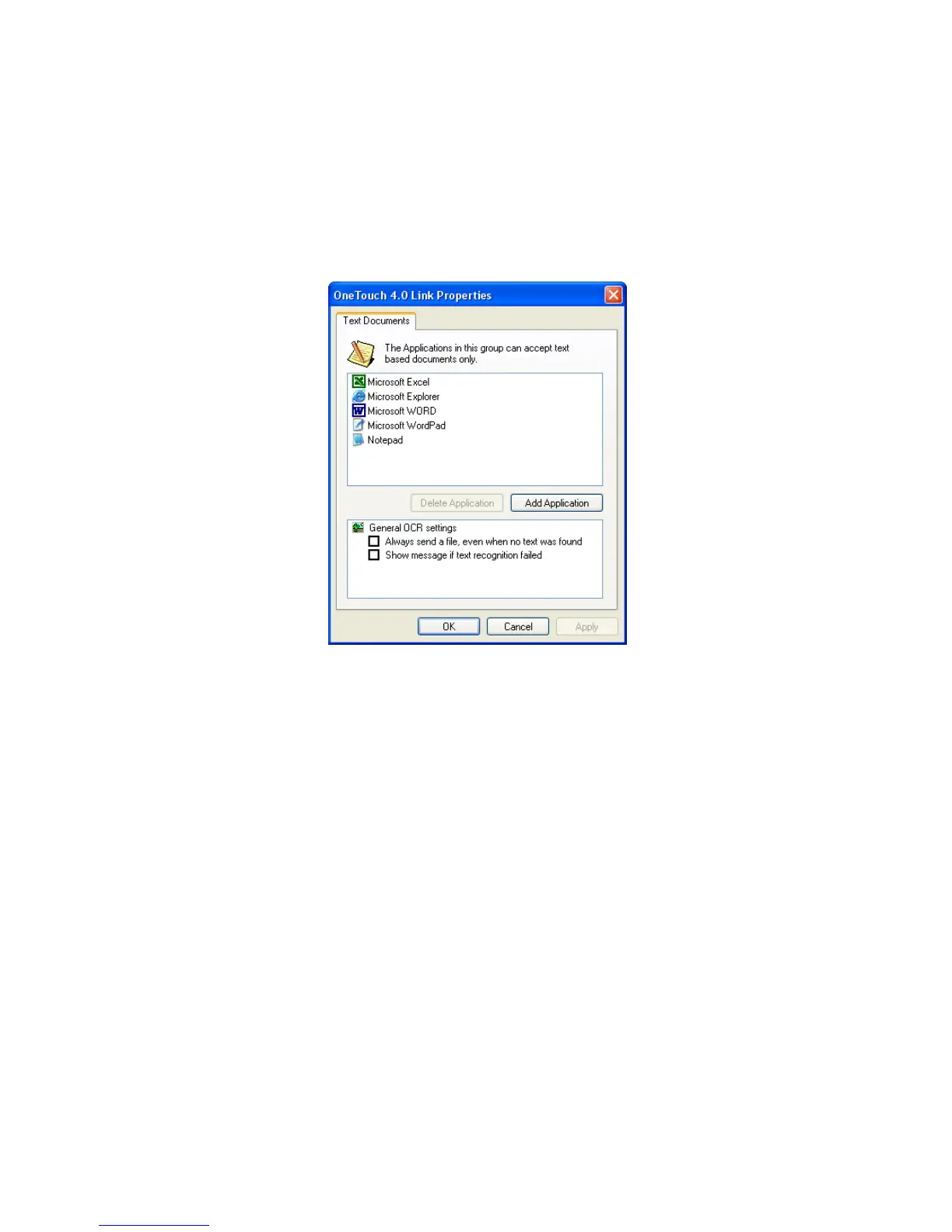
These properties apply to Microsoft Word, Microsoft Excel
®
, and the
other applications indicated by their icons in the list. The properties
apply to the OCR settings for the applications.
1. Click in the OCR settings boxes for the options you want.
The options will apply to all the applications in the group.
Always send a file, even when no text was found—The scanned
file is sent to the OCR reader even if the image does not appear to
contain text. This could occur if you scanned a photograph with
the format set as one of the text formats.
Show message if text recognition failed—A message will open on
the screen if the OCR reader does not detect text in the image.













 To Next Page