10 VISIONEER STROBE XP 450 SCANNER USER’S GUIDE
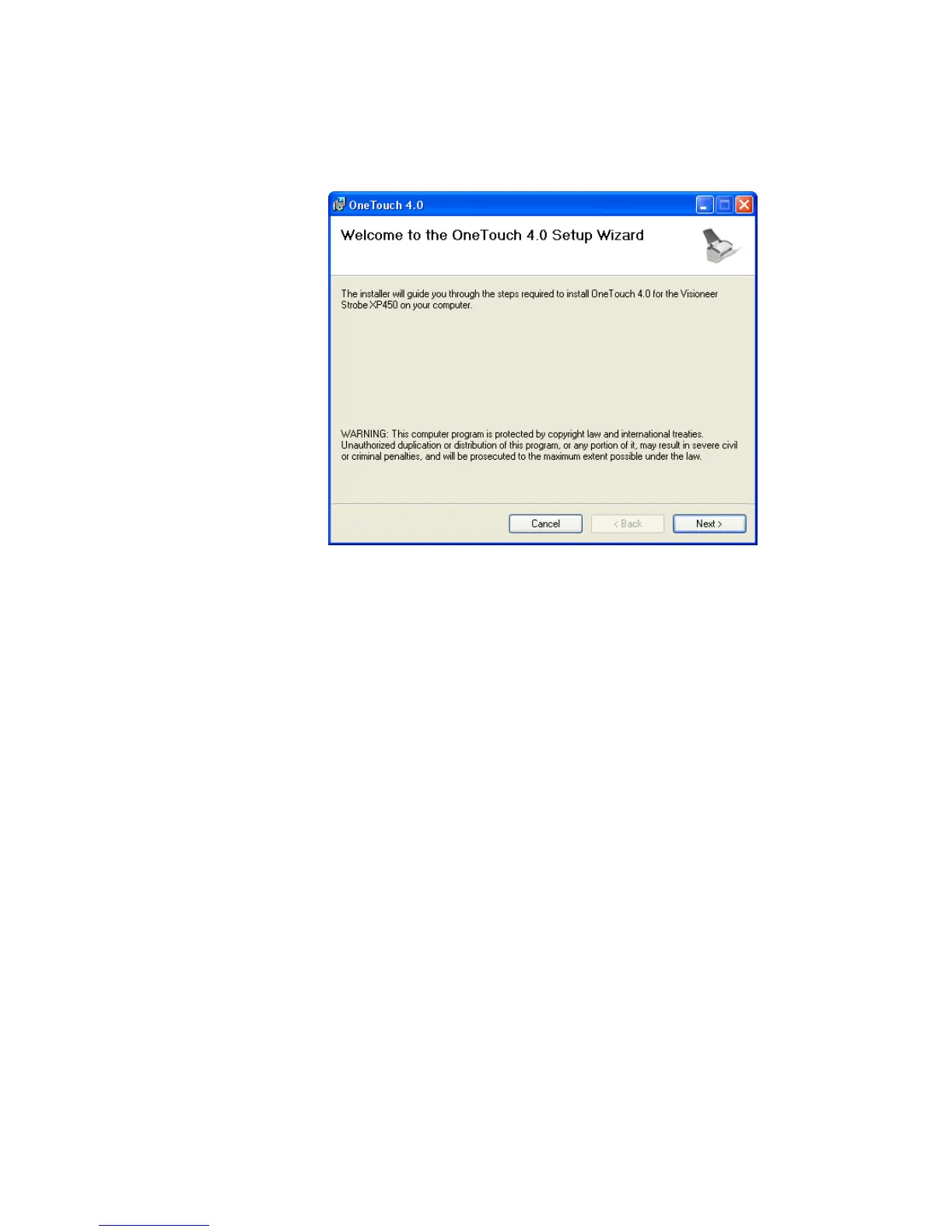
The Welcome to the OneTouch 4.0 Setup Wizard opens.
14. Click Next.
15. On the Visioneer License Agreement window, read the license
agreement. If you accept the terms, select I Agree.
If you choose not to accept the license agreement, the installation
will terminate and the scanner driver will not be installed.
16. Click Next.
The next window lists the choices of the drivers that you can install
for your scanner.













 To Next Page