THE ONETOUCH PROPERTIES WINDOW 31
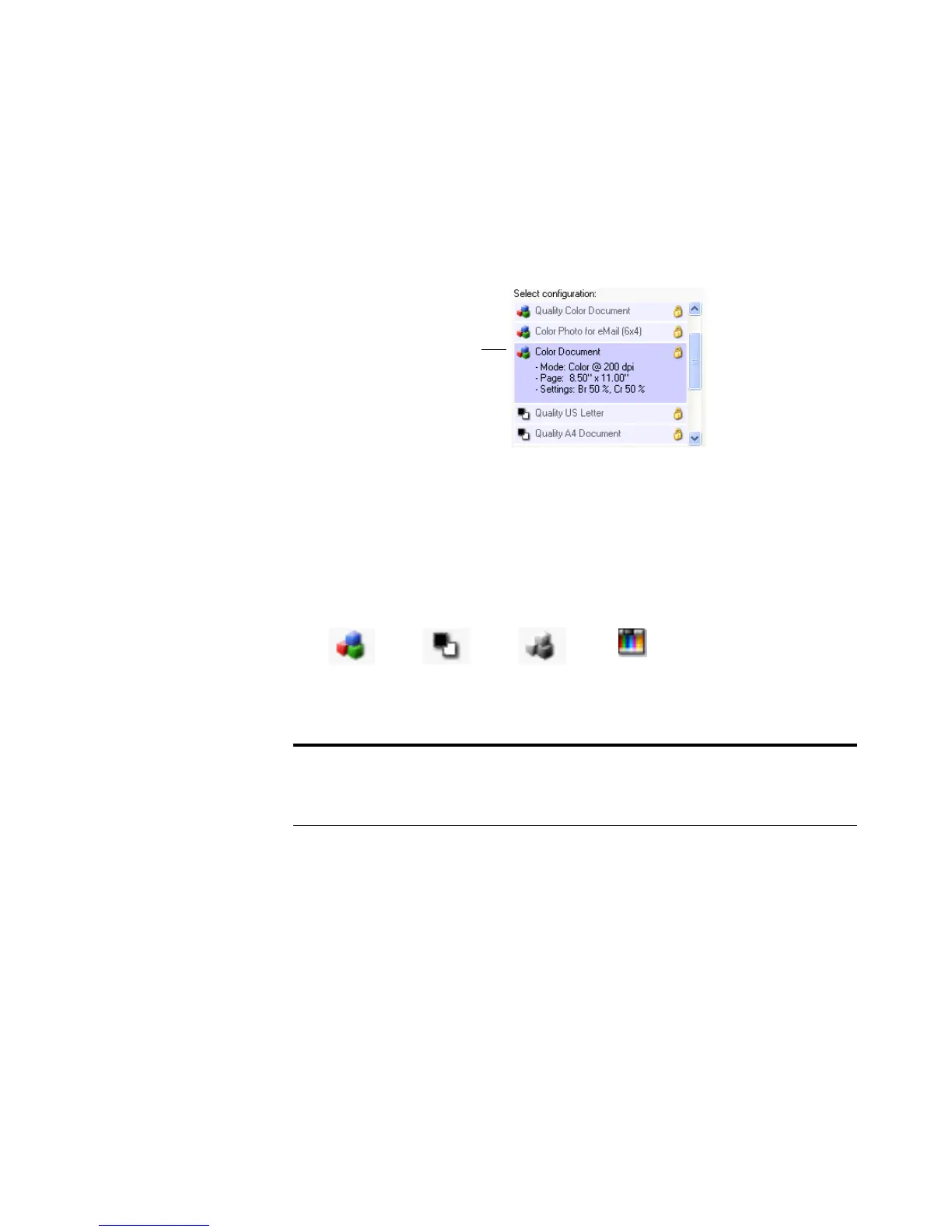
Select Configuration—The list of available scan configurations for the
Scan button. The configuration’s basic settings include: scanning mode,
resolution (dpi), page size, brightness (Br), and contrast (Cr). To see the
configuration’s basic settings, click its icon. Click the icon again to close
the detailed information.
A configuration also includes color saturation, hue, and gamma which
you can set on the Scan Configuration Properties dialog box. See
“Creating a New Scan Configuration” on page 52.
These icons next to each scan configuration indicate the scanning
mode:
You can also click the Edit button or double-click the configuration to
see more detailed information about the selected configuration.
Note: Use Configure Before Scan if you want to set the scanning
mode manually before scanning. See “Configuring Before Scanning”
on page 68.
Click the icon of a selected
configuration
to view its settings.
Color. Grayscale.Black and White.
Configure
Before Scan.













 To Next Page