42 VISIONEER STROBE XP 450 SCANNER USER’S GUIDE
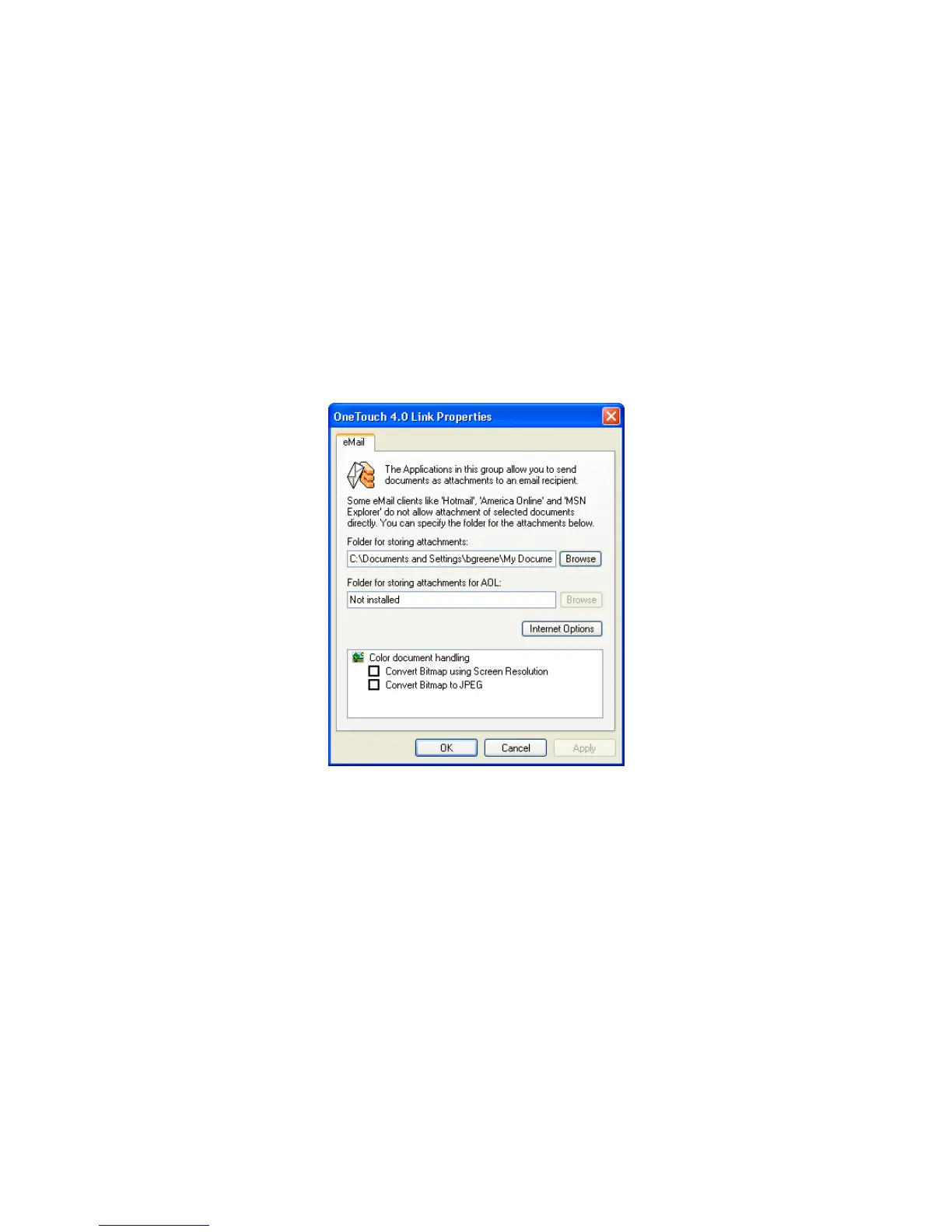
EMAIL PROPERTIES
These properties apply to email applications so you can specify the
folder for documents that you will attach to an email message.
Microsoft Outlook
®
will accept direct attachment of documents to a
blank email message as soon as scanning is finished, but other email
applications may not. If you’re using one of those applications, such as
America Online
®
(AOL), you need to know which folder contains the
scanned documents so you can manually attach them to your email
messages.
1. Click the Browse button for Folder for storing attachments and
choose a folder for your eMail attachments.
2. If you are using AOL on your computer, and the folder name for
AOL is incorrect, click the Browse button and find the correct
AOL folder.
For scanned images to be auto-attached to a blank email address,
you must have the specific folder location AOL uses to find the
attachments. Please contact AOL for more information about the
folder location in which AOL stores attachments.













 To Next Page