SELECTING NEW SCAN SETTINGS FOR THE SCAN BUTTON 51
Group by type arranges the scanned documents by the type of file,
such as .doc or .jpg. If you also want to group them by date you can
choose the week and month options.
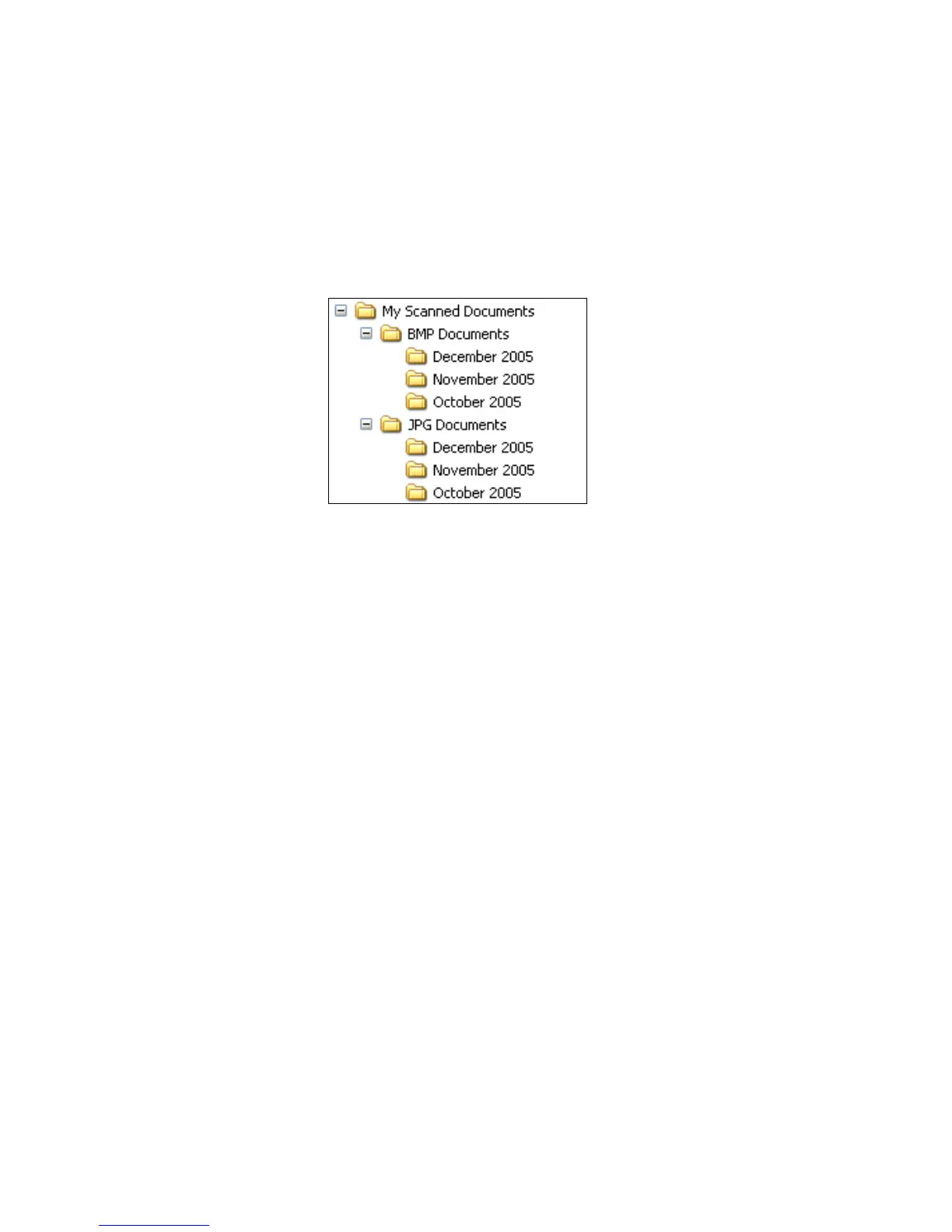
The following example shows the folders when the selections are
Group items by type and Group items by month.
3. Click OK to save the options.













 To Next Page