SELECTING NEW SCAN SETTINGS FOR THE SCAN BUTTON 65
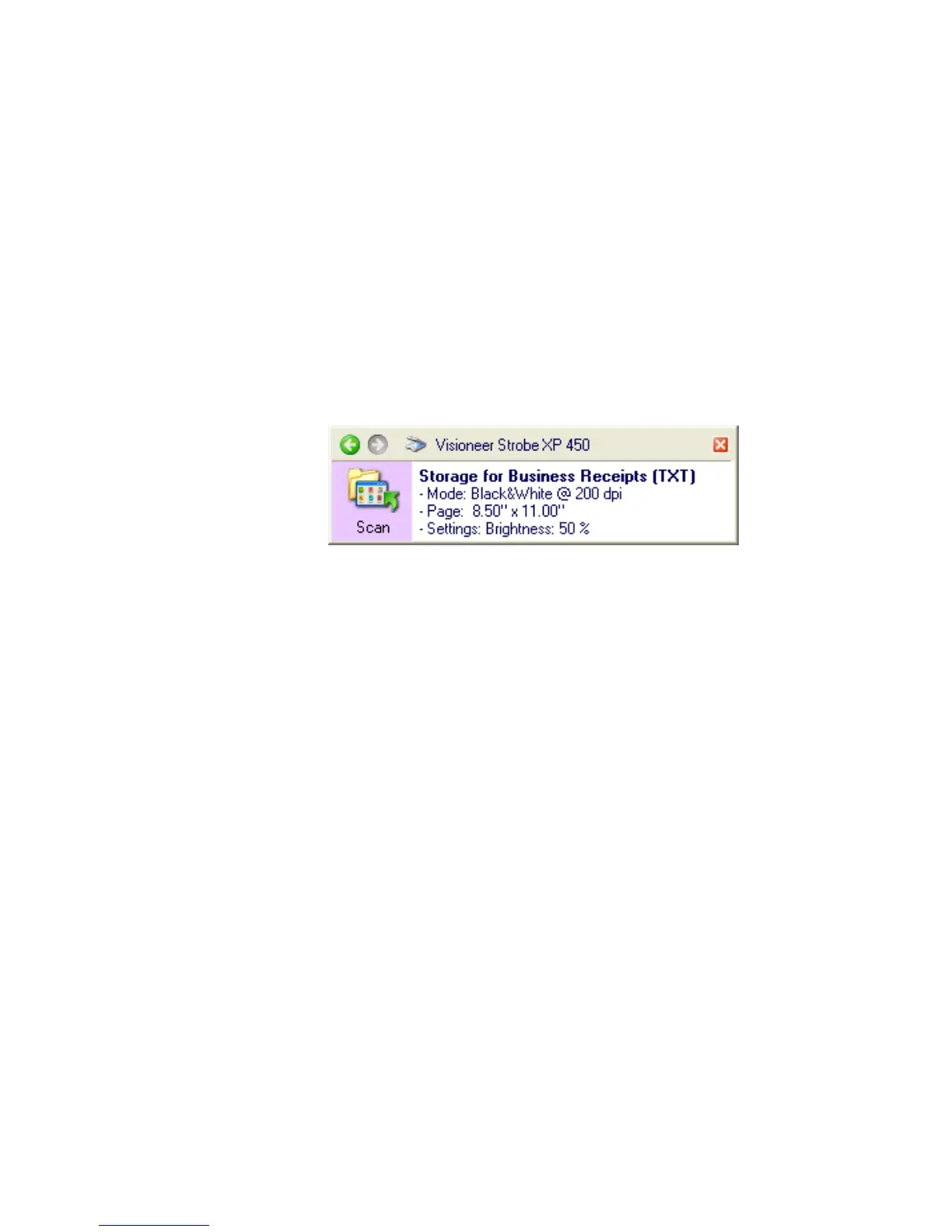
6. Press the Scan button on the scanner or click the Scan icon on the
panel.
The documents are scanned to the folder specified for the
configuration.
7. When scanning is finished, open the OneTouch Properties window
again and select the other configuration you created for storage.
8. Click OK or Apply.
The OneTouch panel will show the name of the other
configuration.
9. Now, scan the next set of documents.
When scanning is finished, the two sets of documents are stored in the
two separate folders.













 To Next Page