SELECTING NEW SCAN SETTINGS FOR THE SCAN BUTTON 67
4. To edit the configuration, click the Edit button.
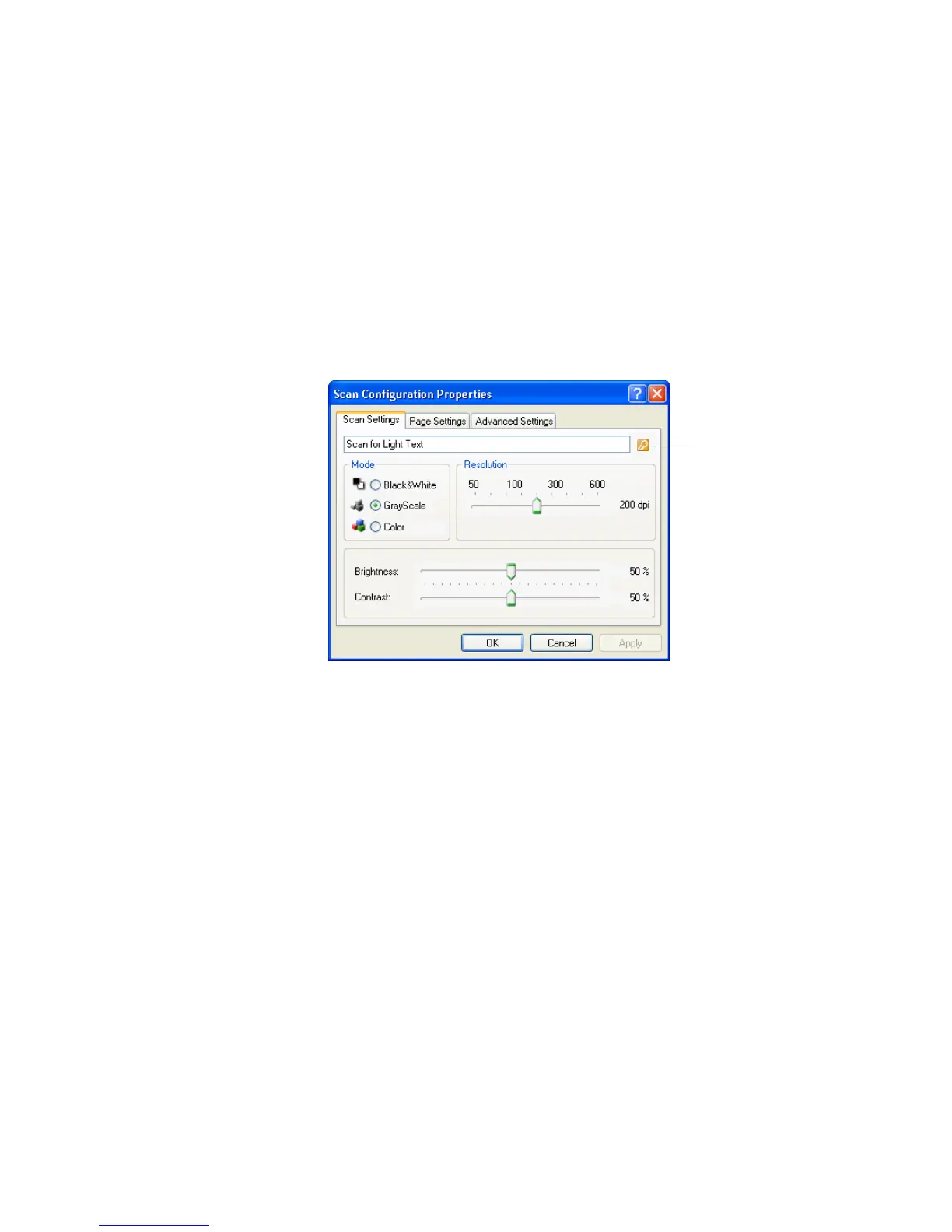
The Scan Configuration Properties dialog box opens for that
configuration.
You can make changes to a configuration, but for the changes to be
saved, the configuration must first be unlocked. Click the Lock
icon to unlock the configuration. Clicking it toggles between
locking and unlocking the configuration. The key icon indicates
the configuration is unlocked.
5. Edit the settings and click OK.
6. Click OK to close the dialog box.
Click the Lock/Key
icon to toggle between
locked and unlocked.













 To Next Page